70 Replacing the plug for the high-capacity ink pack adapter
If you have changed the plug for the high-capacity ink pack adapter, follow the procedure below to initialize the plug life.
3. Initializing the plug life
[1]
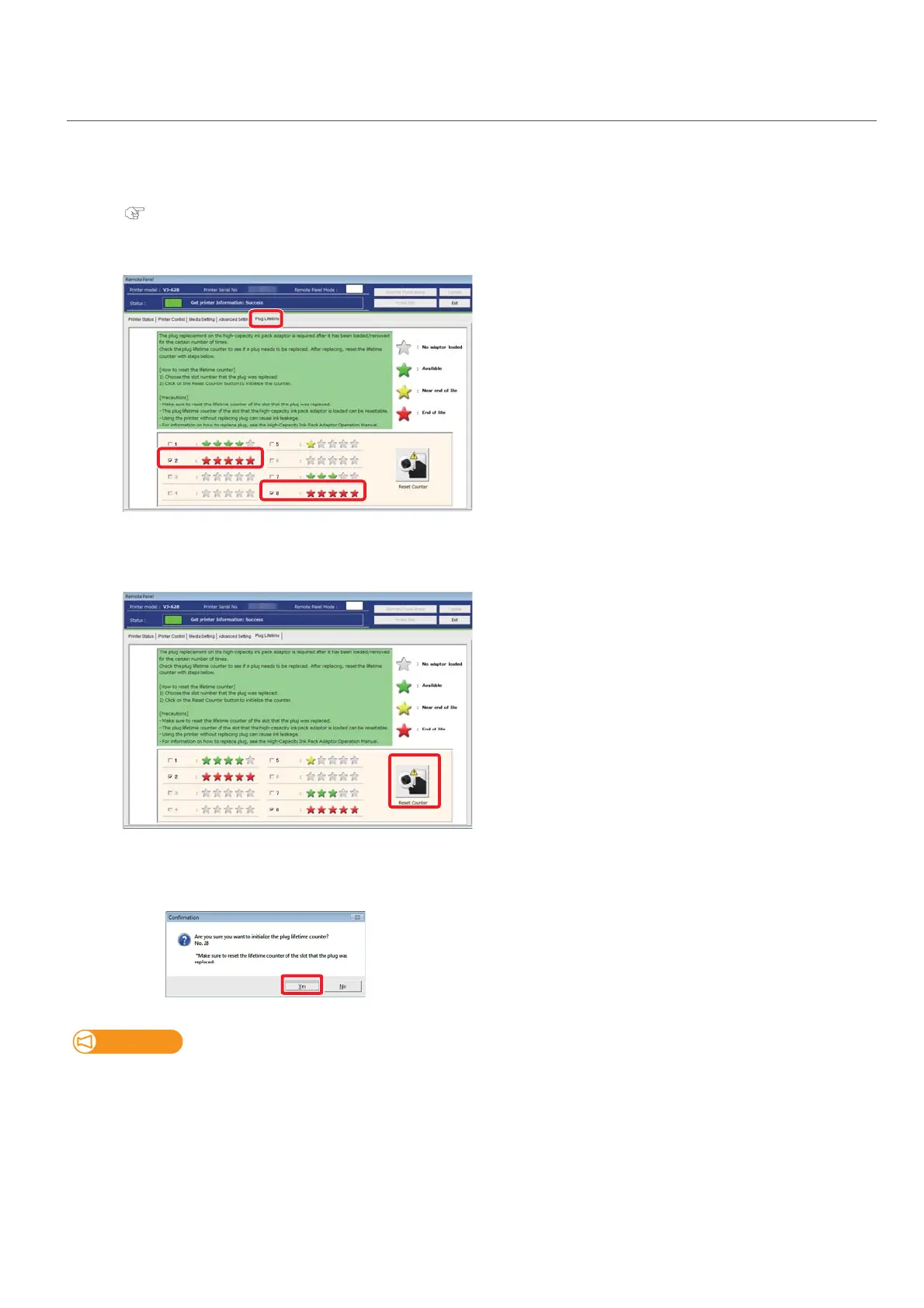
Start the MSM remote panel.
"Displaying remote panel" on page 11
[2]
On the [Plug Lifetime] tab, check the slot for which the plug has been replaced.
[3]
Click [Reset Counter].
• The confirmation window opens.
[4]
Click [Yes].
• The plug life for the selected slot is initialized.
Do not initialize the plug life for the slot number that has not been replaced. This may cause ink leakage.















 To Next Page