Transporting 73
2. Repacking
[1]
Remove all cables like power cable.
[2]
Open the front cover.
[3]
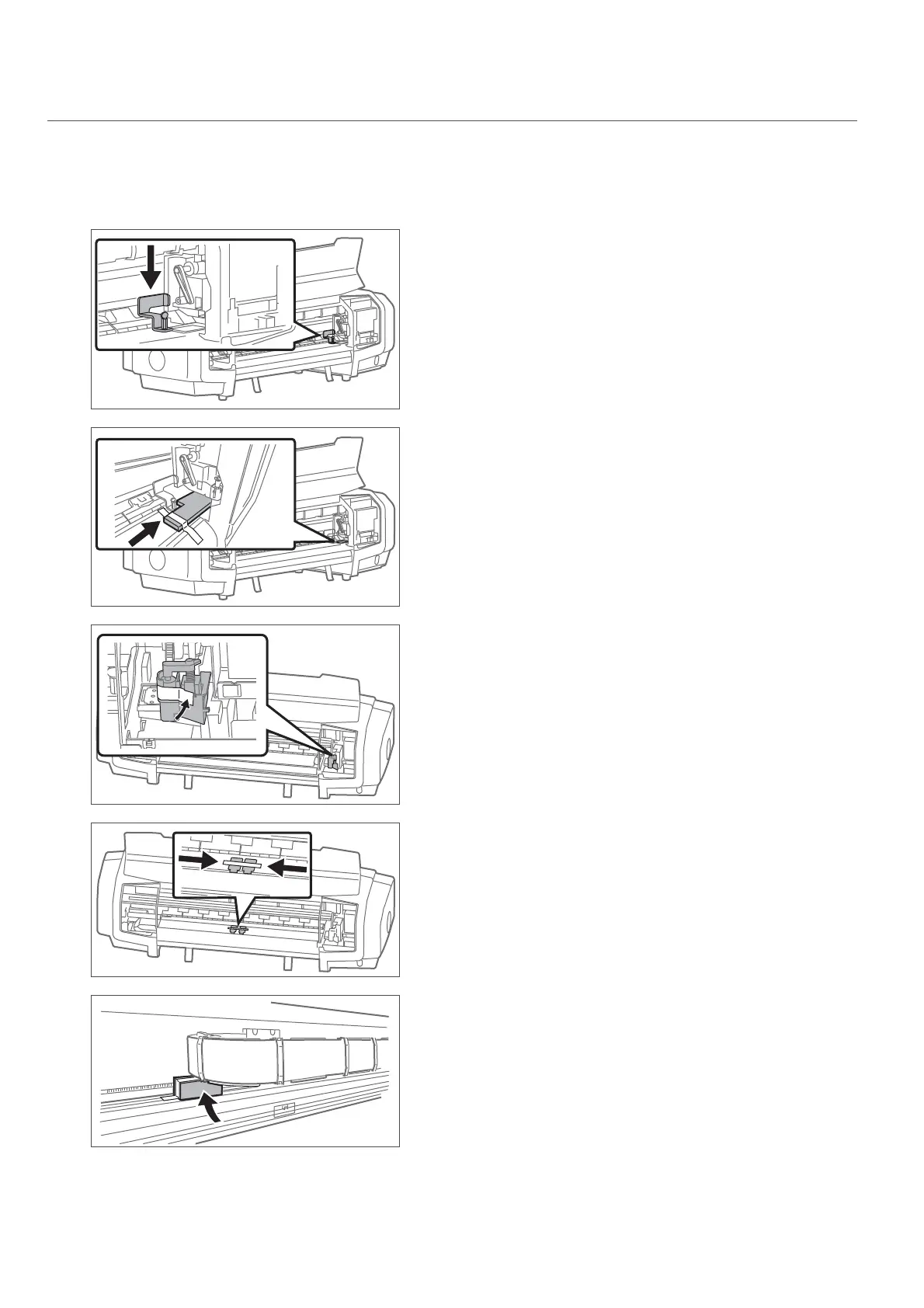
Attach the head fixing plate with screws.
[4]
Install the print head protective materials and secure them with tape.
[5]
Secure the cutter with tape.
[6]
Move the paper guides to the center and place taping.
[7]
Install the steel bearer protective materials and secure them with
tape.















 To Next Page