Transporting 75
[14]
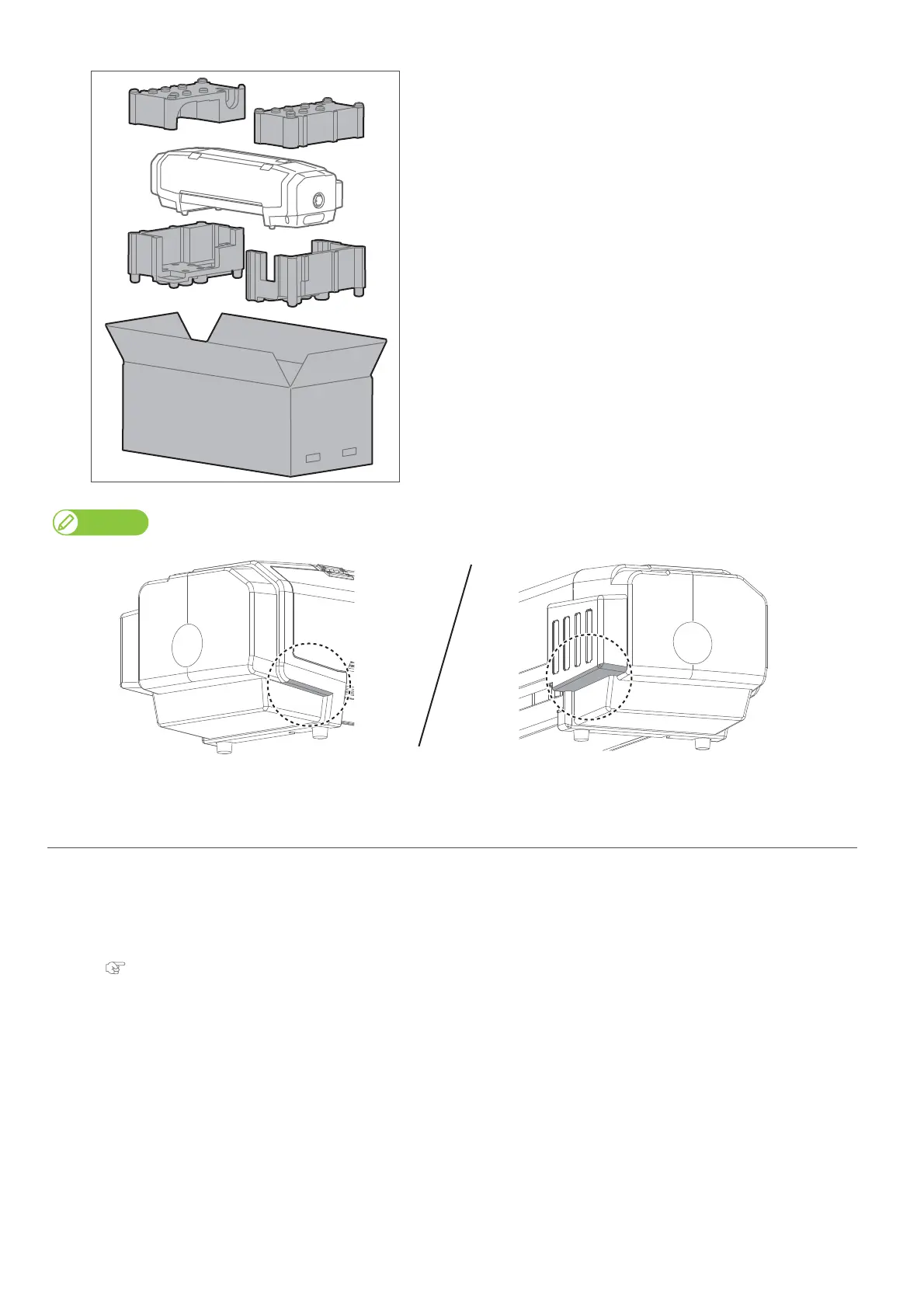
Put the buffer materials, and then insert the printer into the packing
box.
When moving this printer, always hold the parts shown below.
3. Reinstalling
[1]
Referring to “Startup Guide”, unpack the product and assemble.
• Conduct up to “Starting Setup”.
[2]
Conduct initial charging.
"Initial charging" on page 76















 To Next Page