Initial charging 77
[5]
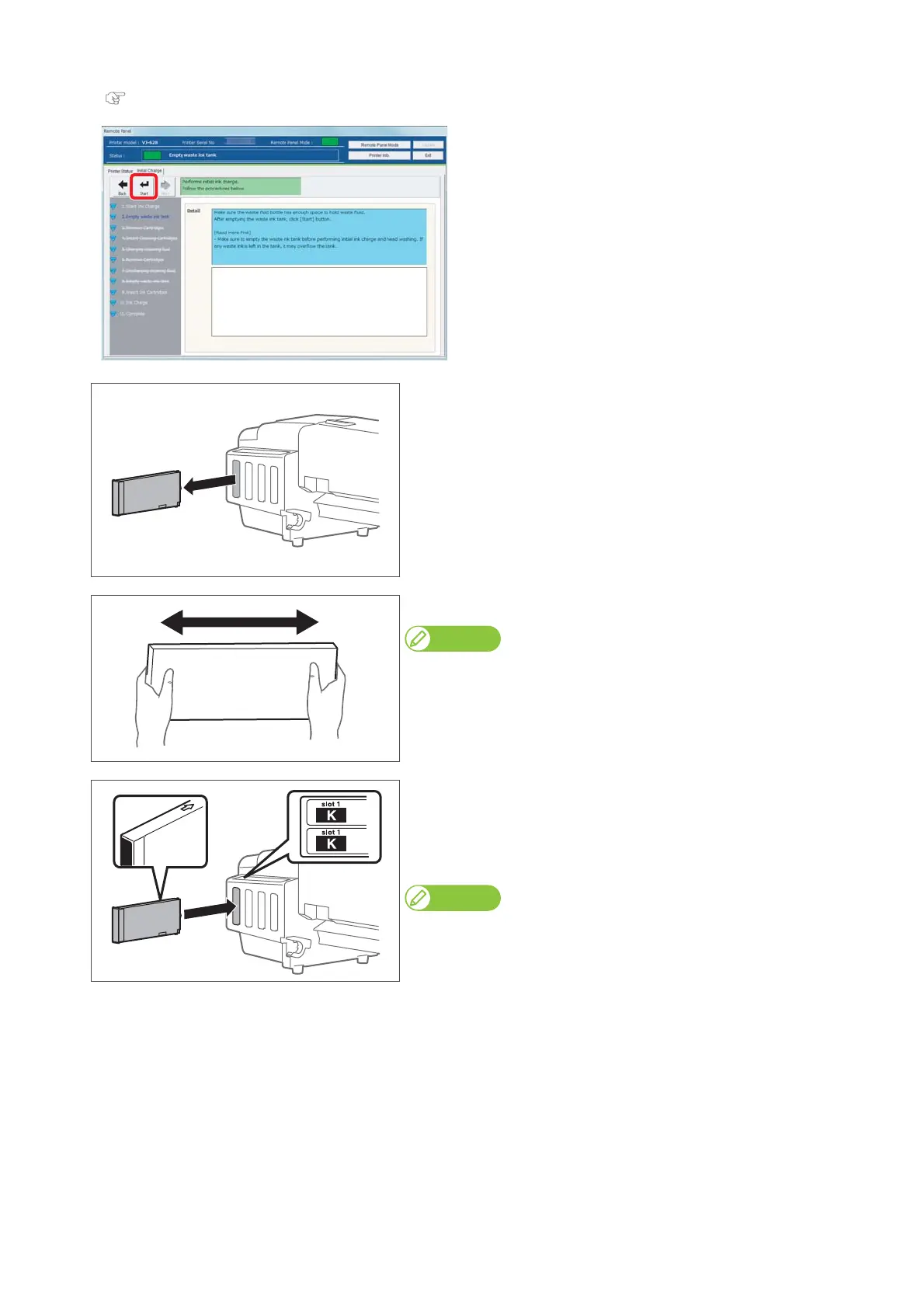
Click [Start] after emptying the waste ink tank.
"Emptying waste ink tank" on page 56
[6]
When ink cartridges are inserted to the cartridge slots, remove them
all.
[7]
Agitate the ink cartridge two or three times lightly.
Note
Agitate the metallic and white ink cartridges 10 times horizontally.
[8]
Insert ink cartridge to this product.
• Match the label of this product to the color of ink cartridge.
• The arrow on the cartridge should face up.
• Insert each cartridge to firmly seat it into each slot.
Note
After all ink cartridges are inserted, this product starts ink charging.















 To Next Page