13
About the MyStar Extra® Blood Glucose Monitoring System
(3) Control Solution Icon: Appears to the left of the
date when viewing a control solution test result.
(4) Apply Sample to Test Strip Message: After
inserting a new test strip, a ashing droplet icon will
appear on the meter display as well as the current
date and time. This means that the meter is ready
and you can now apply a sample to the test strip.
A sample may be either control solution or blood.
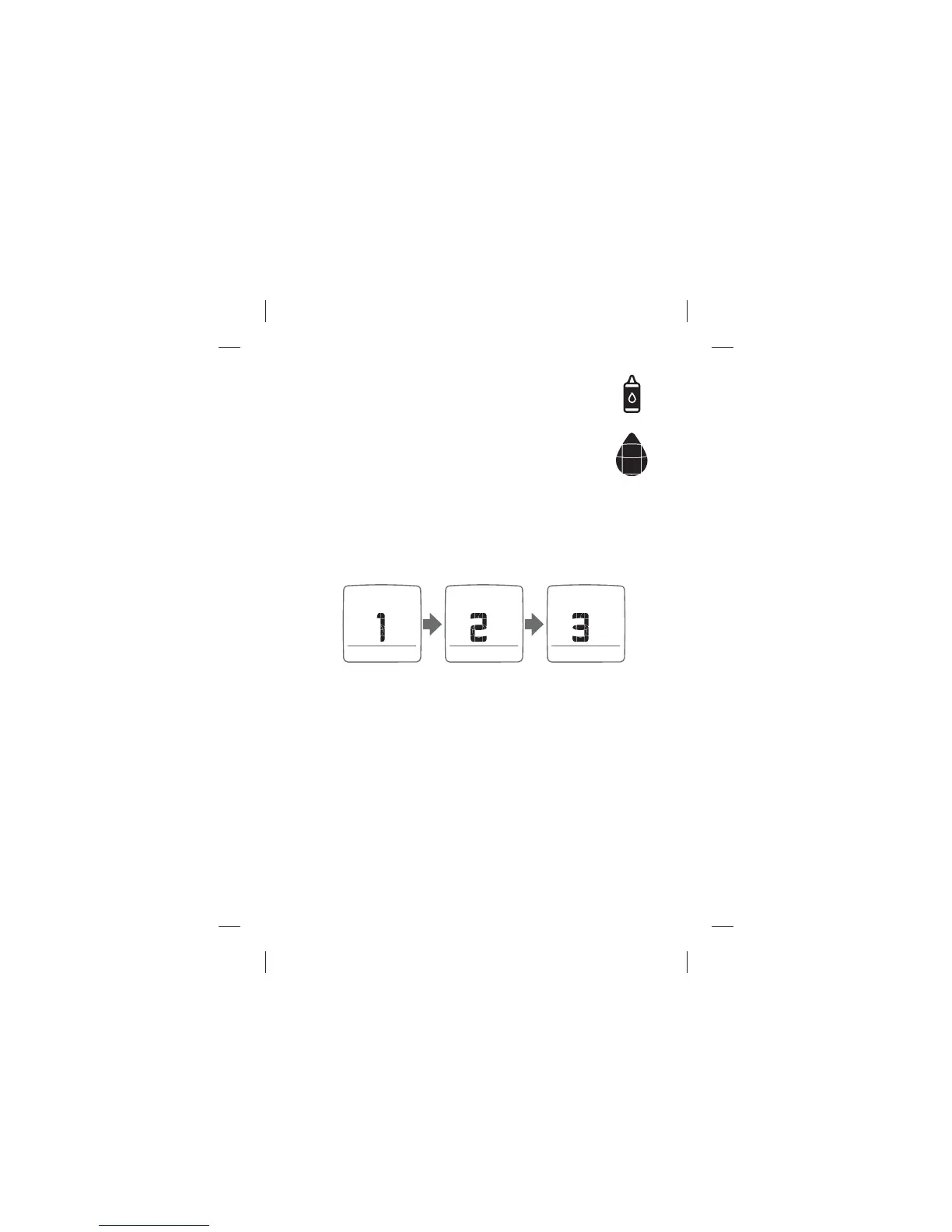
(5) Calculating Animation: An animated sequence of “1, 2, 3” will
appear on the meter display after a sample has been applied to the
test strip. This means the meter is calculating the test result.



 To Next Page