12
[4] Replace the cap on the control solution bottle immediately after
use.
[5] Do not add water or any other liquid to control solution.
[6] Control solution tests should be performed within the system
operating temperature range of 10°C to 40°C.
About the Lancing System
Note: Lancing devices and lancets are only intended for a single user
and should not be shared between users.
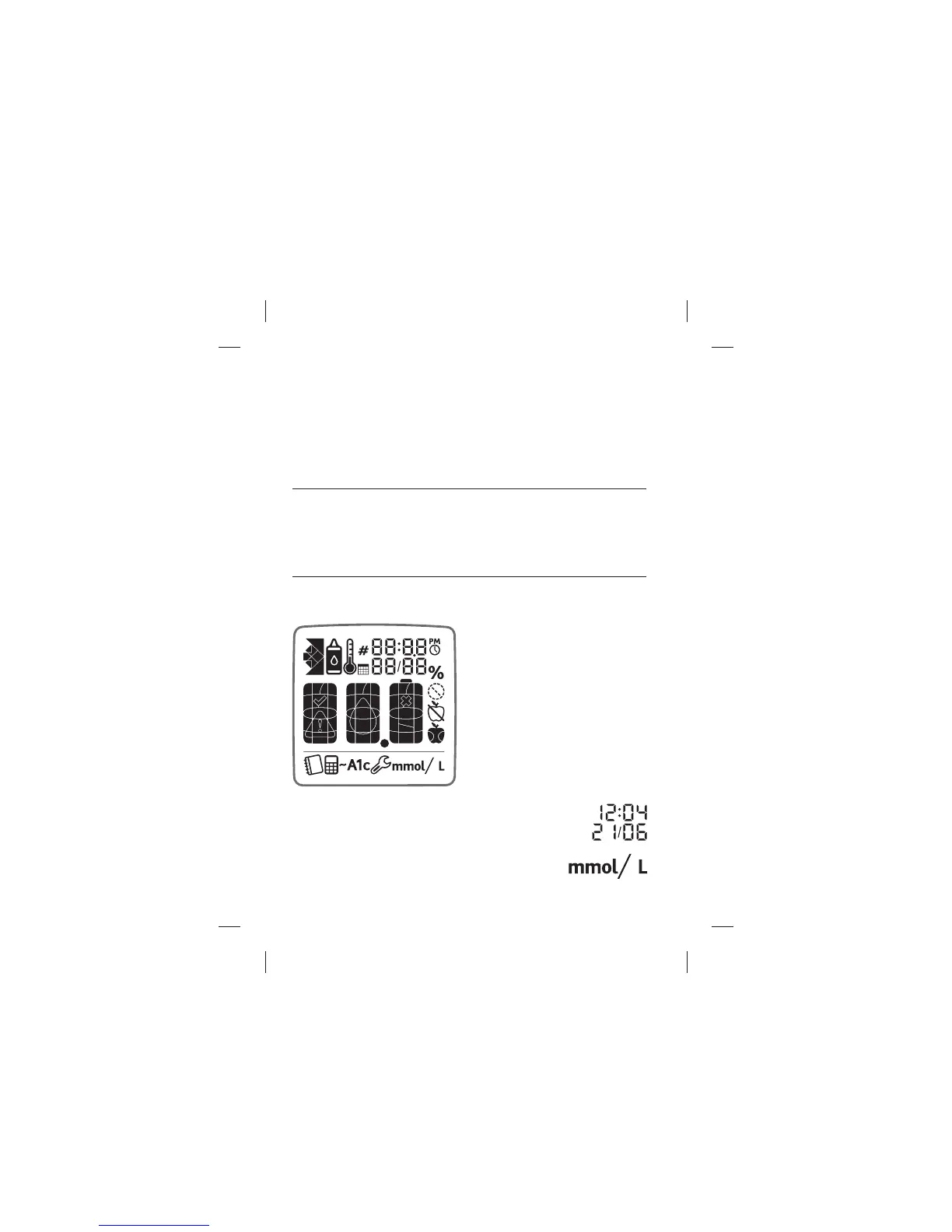
About the MyStar Extra® Meter Display and Icons
Backlight: The backlight is
illuminated whenever the meter
is activated. It will deactivate
after thirty seconds of inactivity.
The backlight will be reactivated
by pressing any button before
advancing screens.
(1) Date and Time: The date and time appear on each
reading in your meter.
(2) Units of Measurement: Results will be
displayed in mmol/L.
About the MyStar Extra® Blood Glucose Monitoring System



 To Next Page