72
Batteries
HOW TO REPLACE THE BATTERIES
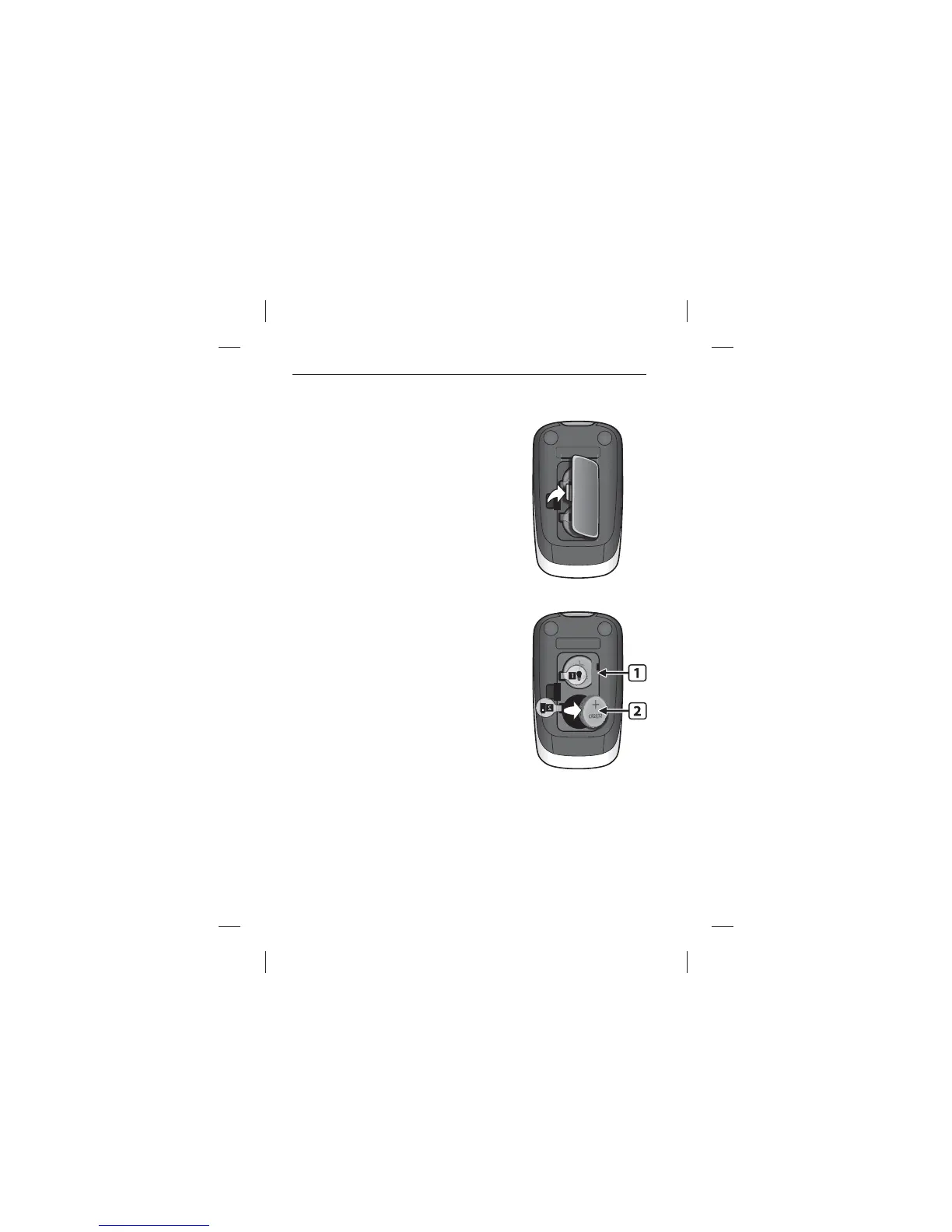
[1] Open Battery Door: Make sure the
meter is deactivated. Turn the meter so
you are looking at the battery door. Press
the battery door clip to open. Remove
the battery door, being careful not to
misplace it.
[2] Remove and Install the Meter
Battery: To remove the used battery,
pull the appropriate tab to pop out the
battery. Install the new battery with the
positive (+) sign facing up towards you.



 To Next Page