64
“Pro le” Created
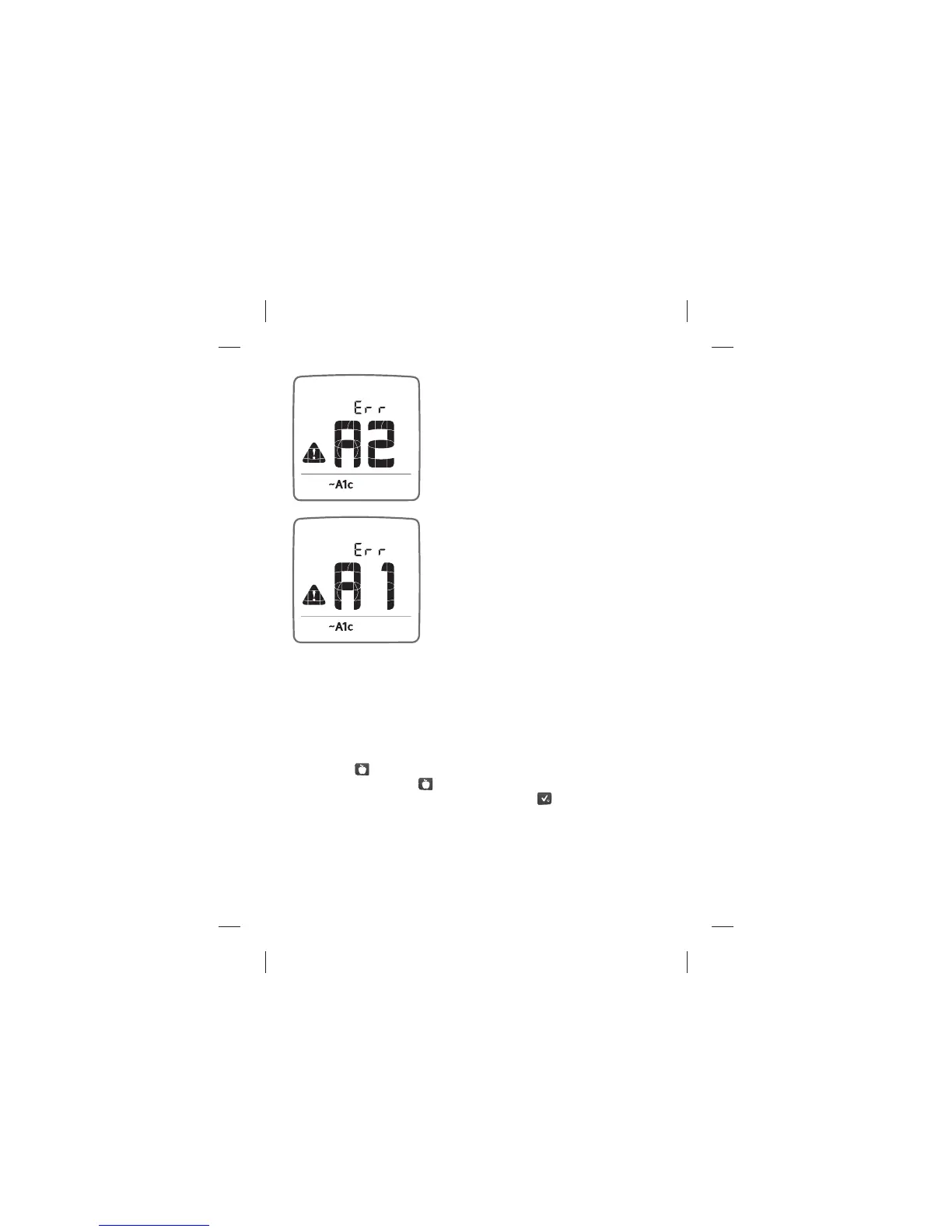
If message “A2” is displayed, you have
successfully created your “Pro le” and
are now required to take 6 “Fasting”
blood glucose tests (refer to section [3]
Take “Fasting” Blood Glucose Tests).
“Pro le” Not Created
If message “A1” is displayed, refer to
“Pro le” Troubleshooting.
“Pro le” Troubleshooting
Review your blood glucose tests and tags in the Logbook. Con rm
that you have taken and tagged the blood glucose tests per the
“Pro le” Schedule.
If a blood glucose test is tagged incorrectly but was taken within
the last 48 hours, manually change the tag:
• Locate the blood glucose test in the Logbook
• Press the (
) button on the meter
• Continue to press the (
) button until the desired tag is displayed
• Con rm the appropriate tag by pressing the (
) button.
Follow the steps at the beginning of section [2], Con rm that a
“Pro le” was Created.
If message “A1” continues to be displayed, follow the steps at the
beginning of section [1], Create a “Pro le”.
Data Management Features: Estimated A1c (~A1c)



 To Next Page