73
Batteries
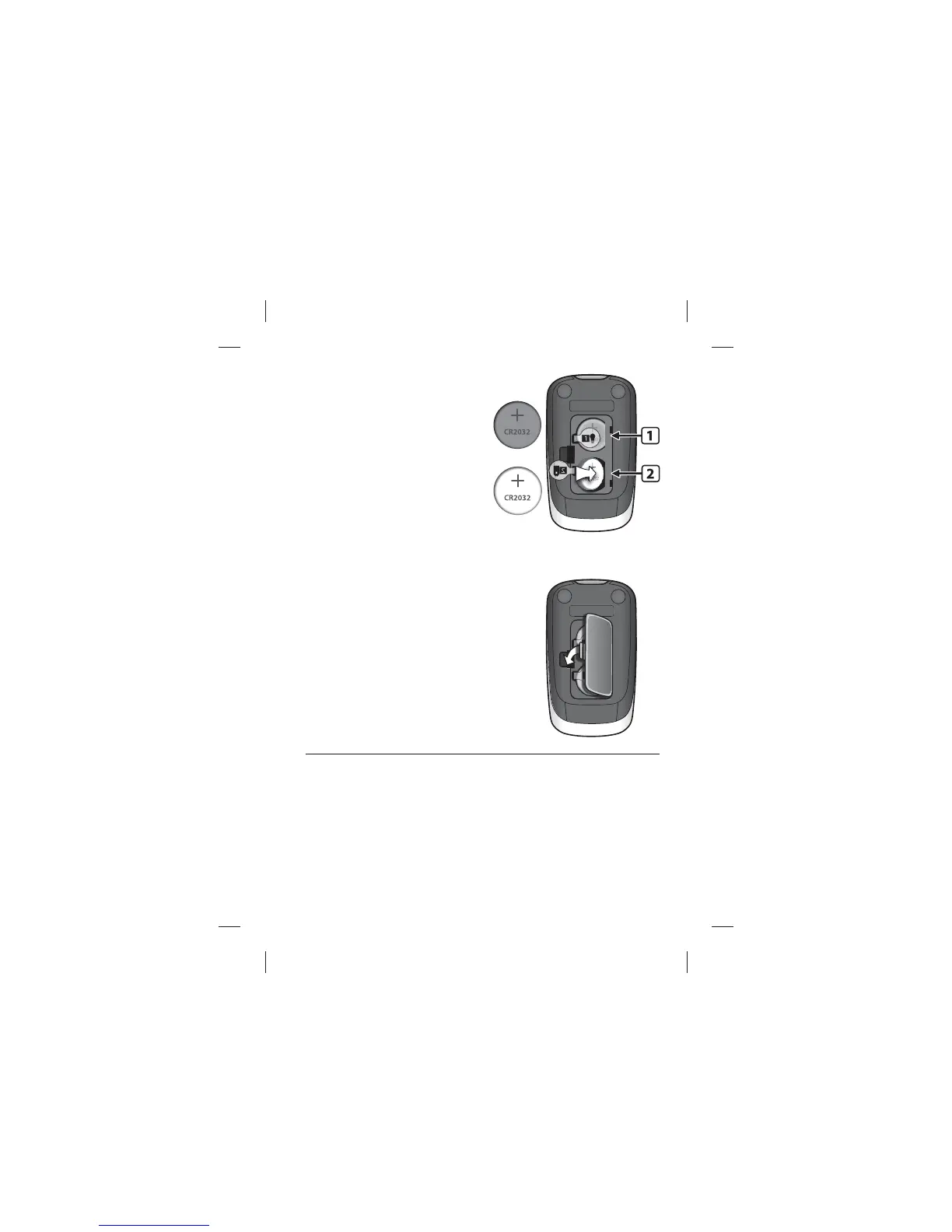
[3] Remove and Install the
Backlight Battery: To remove
the used battery, pull the
appropriate tab to pop out the
battery. Install the new battery
with the positive (+) sign facing
up towards you.
[4] Close Battery Door: Angle the battery
door back onto the meter and swing down
until it snaps gently into place. Make sure
that the battery door is completely closed
before using the meter.
Time and Date Setting After Battery Replacement
If the time and date need to be set, the meter will enter the settings
screen upon activation. See Chapter 8 for detailed instructions on
how to set the time and date.
USED:
NEW:



 To Next Page