30
HOW TO PERFORM A CONTROL SOLUTION TEST
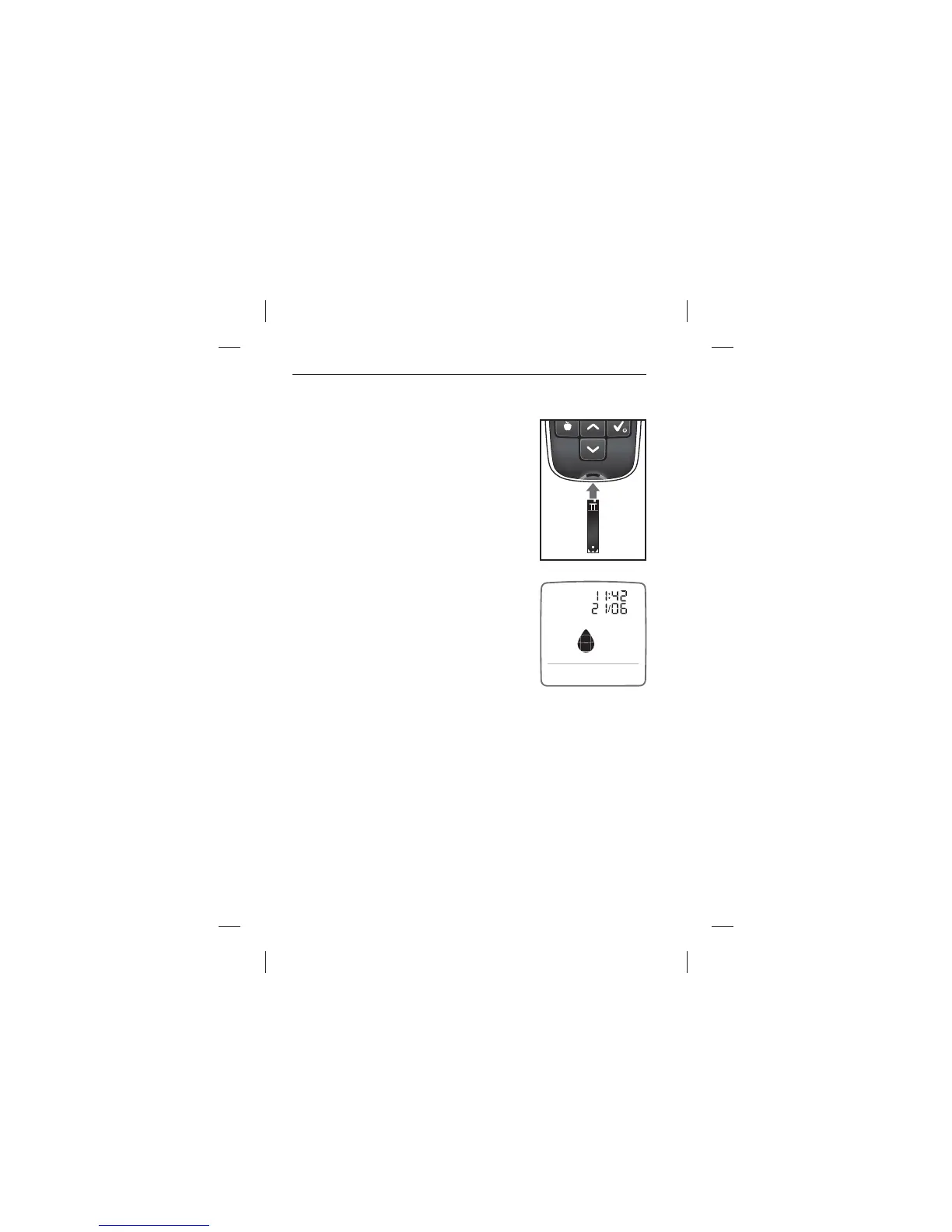
[1] Insert a BGStar® Test Strip
Insert a new Test Strip with the contact bars
facing towards you into the meter test strip
port. The meter will activate when the test
strip is fully inserted. All segments will
brie y ash on.
[2] Meter Ready for Test
The meter now displays time and date and
a ashing droplet icon.
The meter is now ready for you to apply
control solution. You do not need to set a
calibration code for the MyStar Extra® Meter
(no coding required).
Note: If you do not start the test within 2 minutes of inserting a test
strip, the meter will deactivate. To reactivate your meter, take out the
unused test strip and reinsert it into the meter. Avoid touching the test
strip sample area (where control solution should be applied).
Performing a Control Solution Test



 To Next Page