79
Error Messages and Troubleshooting
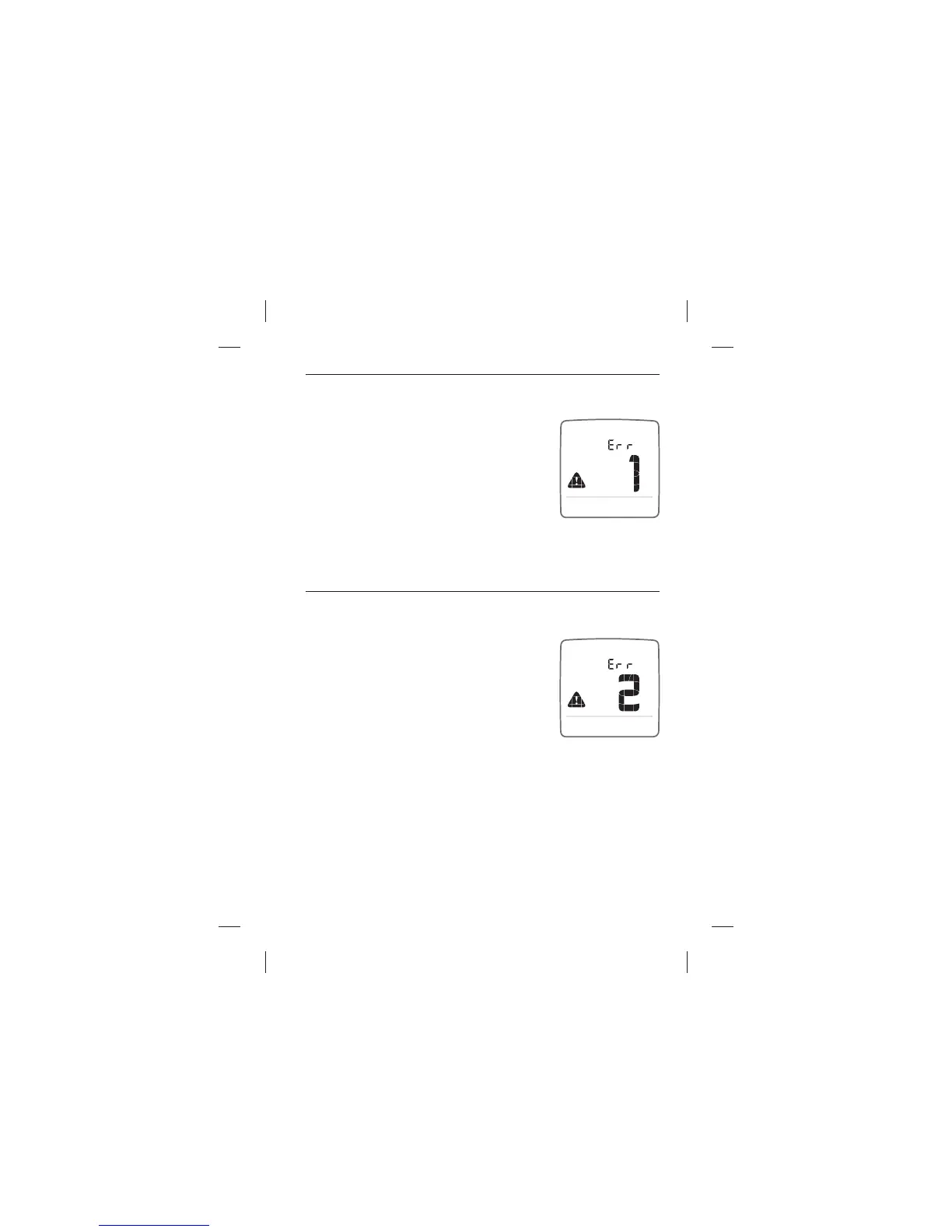
Error 1: Problems have occurred that are related to test strip use.
[1] If this message appears the moment the
test strip is inserted, the test strip may be wet
or damaged. Retest using a new test strip.
[2] If this message appears during a test, the
test strip may have been removed too early.
Retest using a new test strip.
[3] If this message appears after the calculating animation instead
of a result, it may indicate that you applied more blood after testing
began. Retest using a new test strip.
Error 2: The meter has detected an irregularity with the sample.
[1] The test strip may be partially lled. You
should check the window of the test strip to
con rm that it is full. Retest using a new test
strip. Ensure that enough blood is applied to
the test strip when retesting.
[2] The sample may not be blood or control
solution. Retest using a new test strip. Ensure
that the test site is clean prior to performing a blood glucose test or
that the control solution bottle tip is wiped clean prior to performing
a control solution test.



 To Next Page