51
Data Management Features: Logbook
Viewing Individual Results
[1] When your meter is deactivated, press the CHECK (
) button to
enter the Logbook. Your most recent result is shown. The logbook
displays all the individual glucose and control solution readings.
[2] Press the UP (
) and DOWN ( ) arrow buttons to scroll
through the Logbook. Press and hold the UP or DOWN arrow buttons
to scroll quickly through the Logbook.
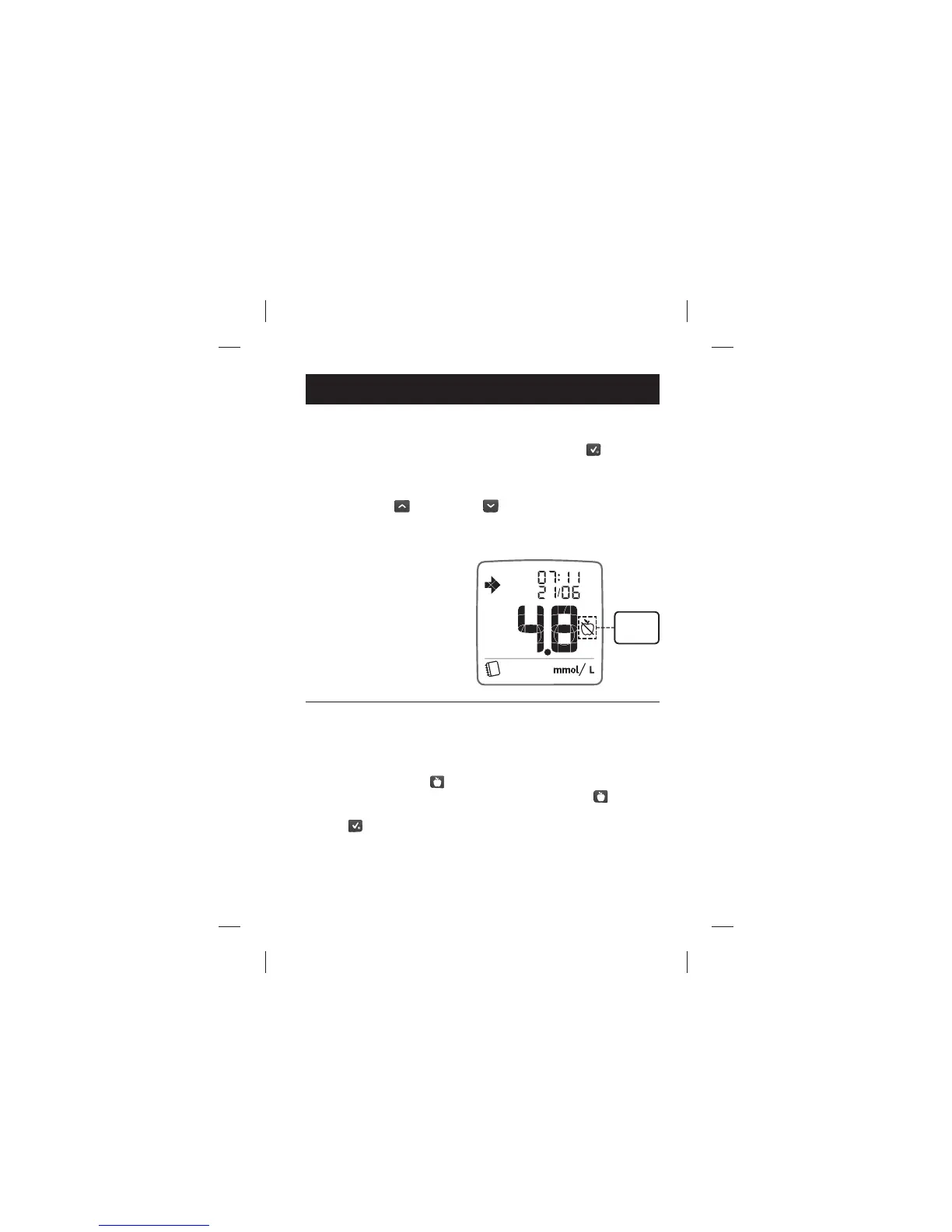
Example of a Blood Glucose
Result with a Fasting Tag:
Changing Mealtime Tags
You can change the mealtime tags of readings for up to 48 hours after
a reading was taken when you view them in the Logbook.
[1] Press the MEALTIME (
) button. The mealtime tag on the reading
you are viewing will start to ash. Press the MEALTIME (
)
button again to scroll through the mealtime tag icons. Press the
CHECK (
) button to con rm your desired mealtime tag.
Fasting
Tag
Logbook11.1



 To Next Page