26
Setting the Time and Date
IMPORTANT: Check the time and date settings before testing. In
order to properly use the meter, it is important to ensure that the
time and date are set correctly.
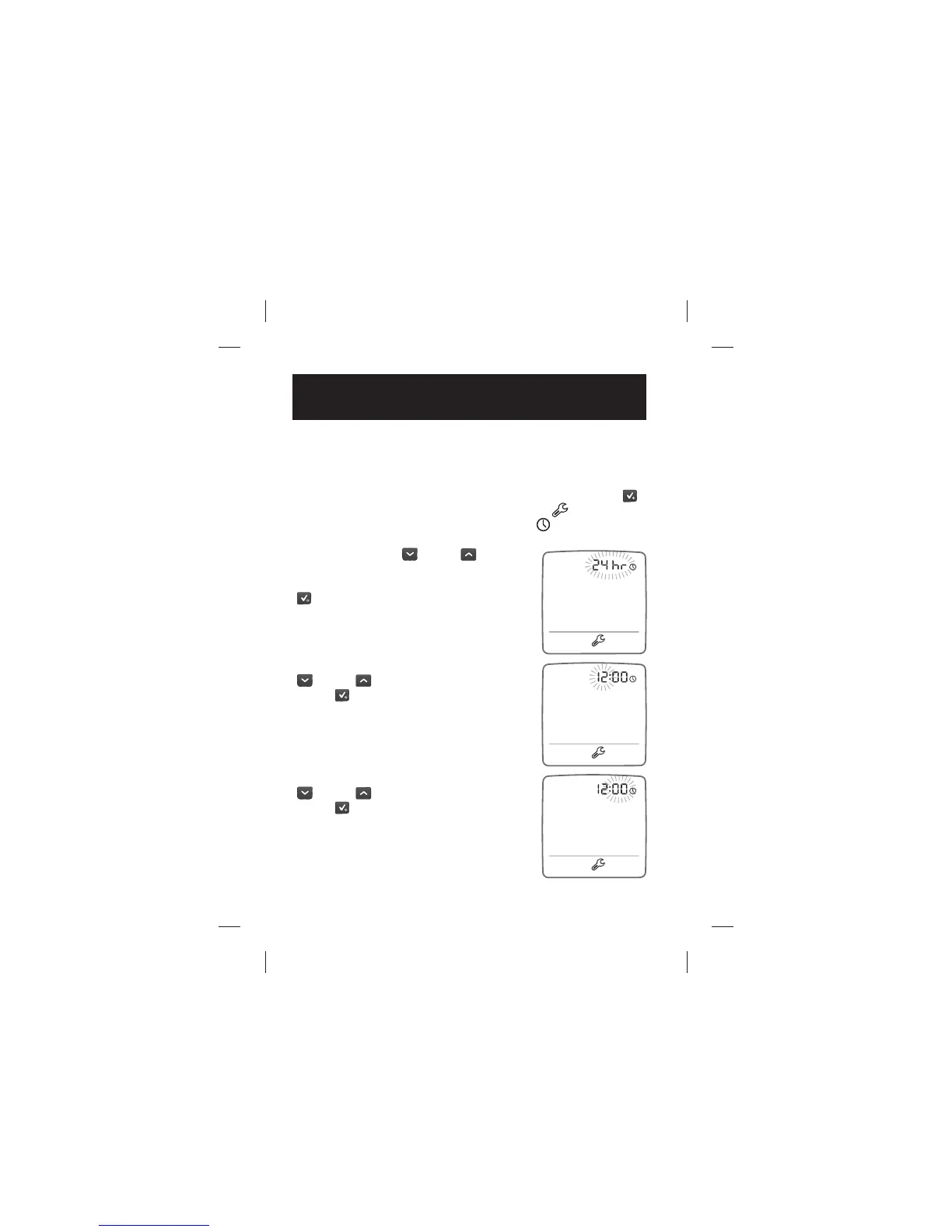
[1] When your meter is deactivated, press and hold the CHECK (
)
button to enter settings mode. The settings icon (
) will appear
with the “24 hr” ashing next to the time icon (
).
[2] Press the DOWN (
) or UP ( ) arrow
button to choose between 12 hour and 24
hour time format settings. Press the CHECK
(
) button to con rm your selection and
continue on to the hour setting.
[3] Set the hour ( ashing) with the DOWN
(
) or UP ( ) arrow button. Press the
CHECK (
) button to con rm your
selection and continue on to the minute
setting.
[4] Set the minutes ( ashing) with the DOWN
(
) or UP ( ) arrow button. Press the
CHECK (
) button to con rm your selection
and continue on to the day-month format
setting.
CHAPTER
8
Setting the Time and Date



 To Next Page