27
Setting the Time and Date
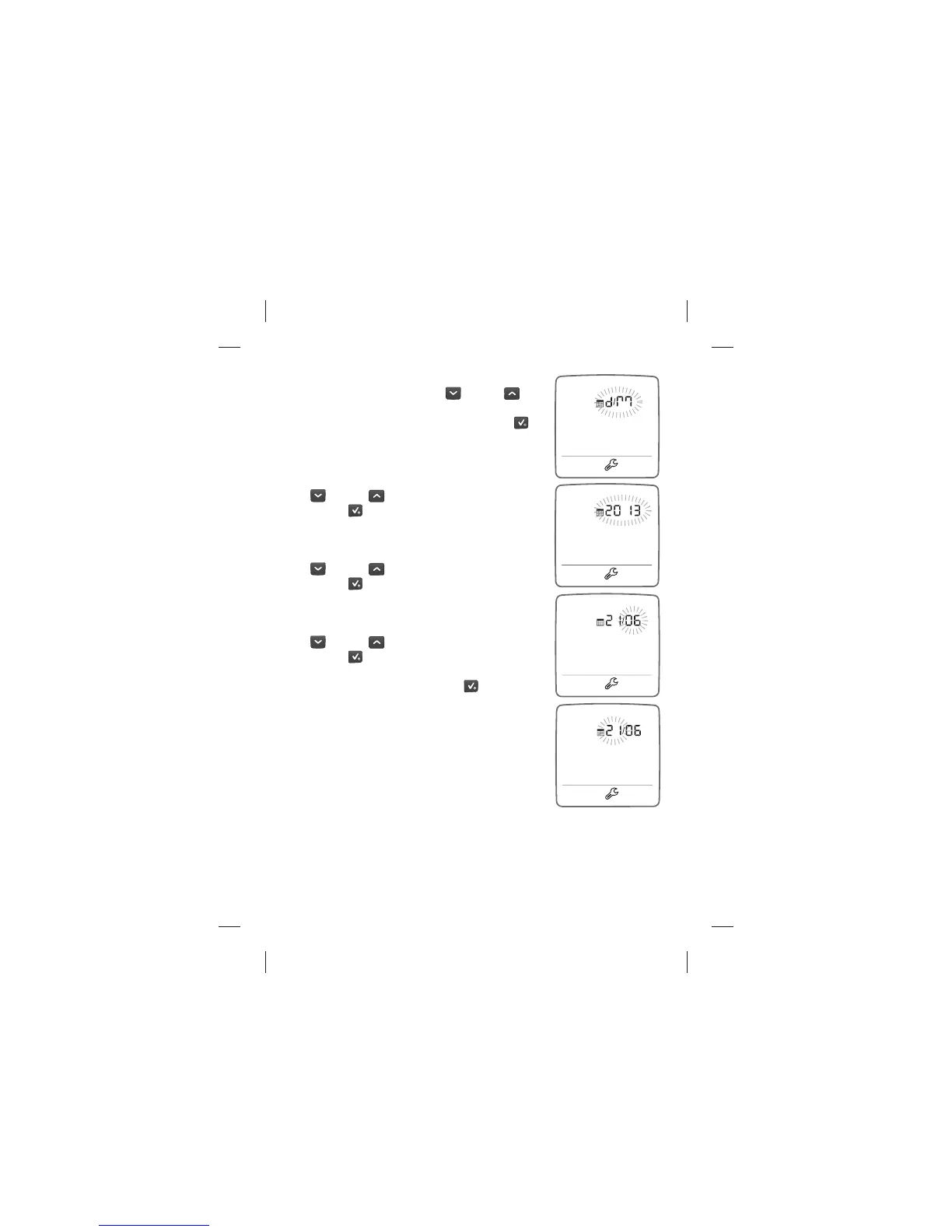
[5] Set the day-month format setting
( ashing) with the DOWN (
) or UP ( )
arrow button to choose between Month-day
or Day-Month format. Press the CHECK (
)
button to con rm your selection and continue
on to the year setting.
[6] Set the year ( ashing) with the DOWN
(
) or UP ( ) arrow button. Press the
CHECK (
) button to con rm your selection
and continue on to the month setting.
[7] Set the month ( ashing) with the DOWN
(
) or UP ( ) arrow button. Press the
CHECK (
) button to con rm your selection
and continue on to the day setting.
[8] Set the day ( ashing) with the DOWN
(
) or UP ( ) arrow button. Press the
CHECK (
) button to con rm your selection.
[9] Press and hold the CHECK (
) button to
exit the settings mode.



 To Next Page