63
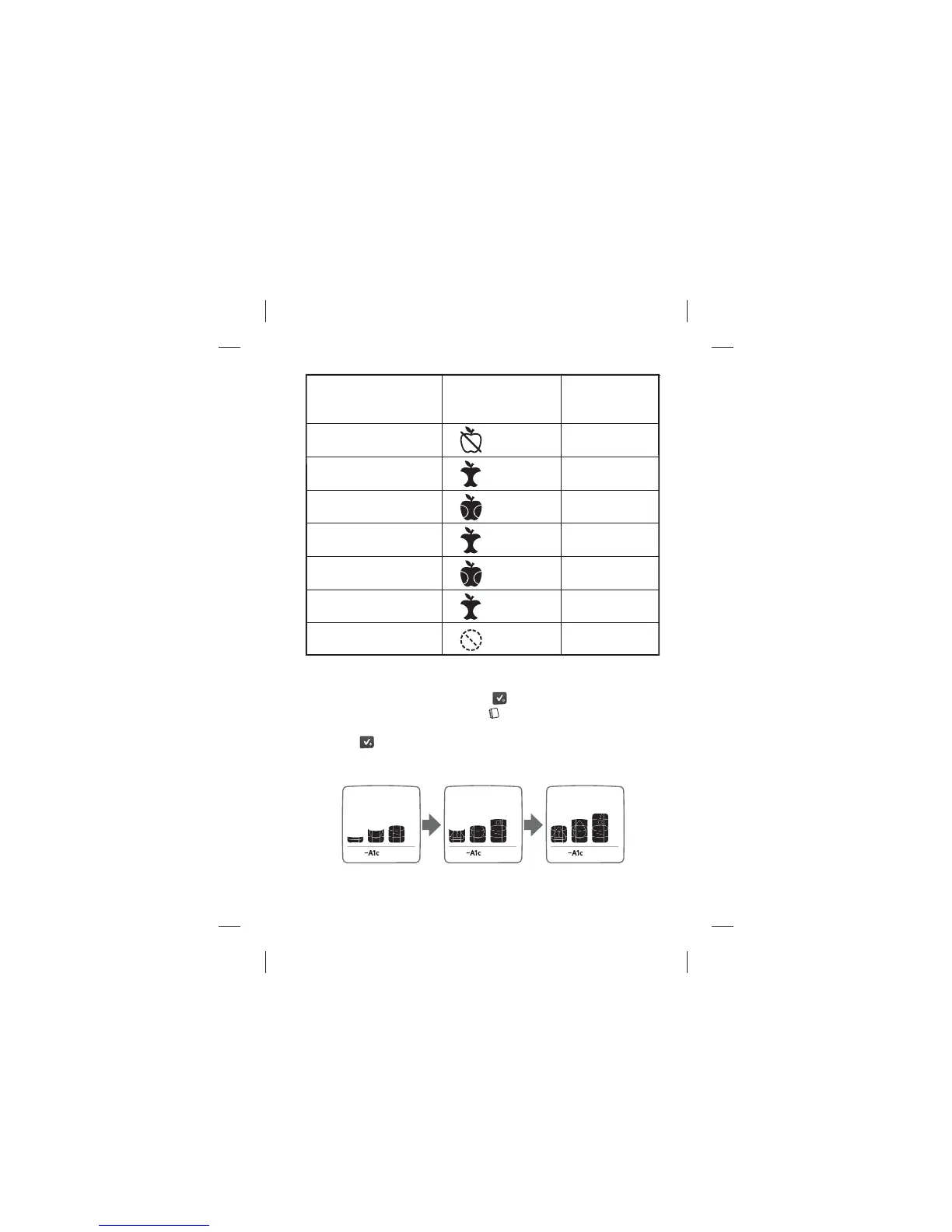
[2] Con rm that a “Pro le” was Created
Activate the meter by pressing the (
) button.
The “Logbook” screen will appear (
) displaying your most recent
blood glucose test result.
Press the (
) button twice more until you see the following
animation.
Data Management Features: Estimated A1c (~A1c)
Pro le
Measurement
Number
Tag
Check Box
when
Complete
1. Fasting
(5h00-10h59)
Fasting
2. Post breakfast
(5h00-10h59)
Post-meal
3. Pre Lunch
(11h00-15h59)
Pre-meal
4. Post Lunch
(11h00-15h59)
Post-meal
5. Pre Dinner
(16h00-20h59)
Pre-meal
6. Post Dinner
(16h00-20h59)
Post-meal
7. Bedt ime
(21h00-23h59)
No tag



 To Next Page