43
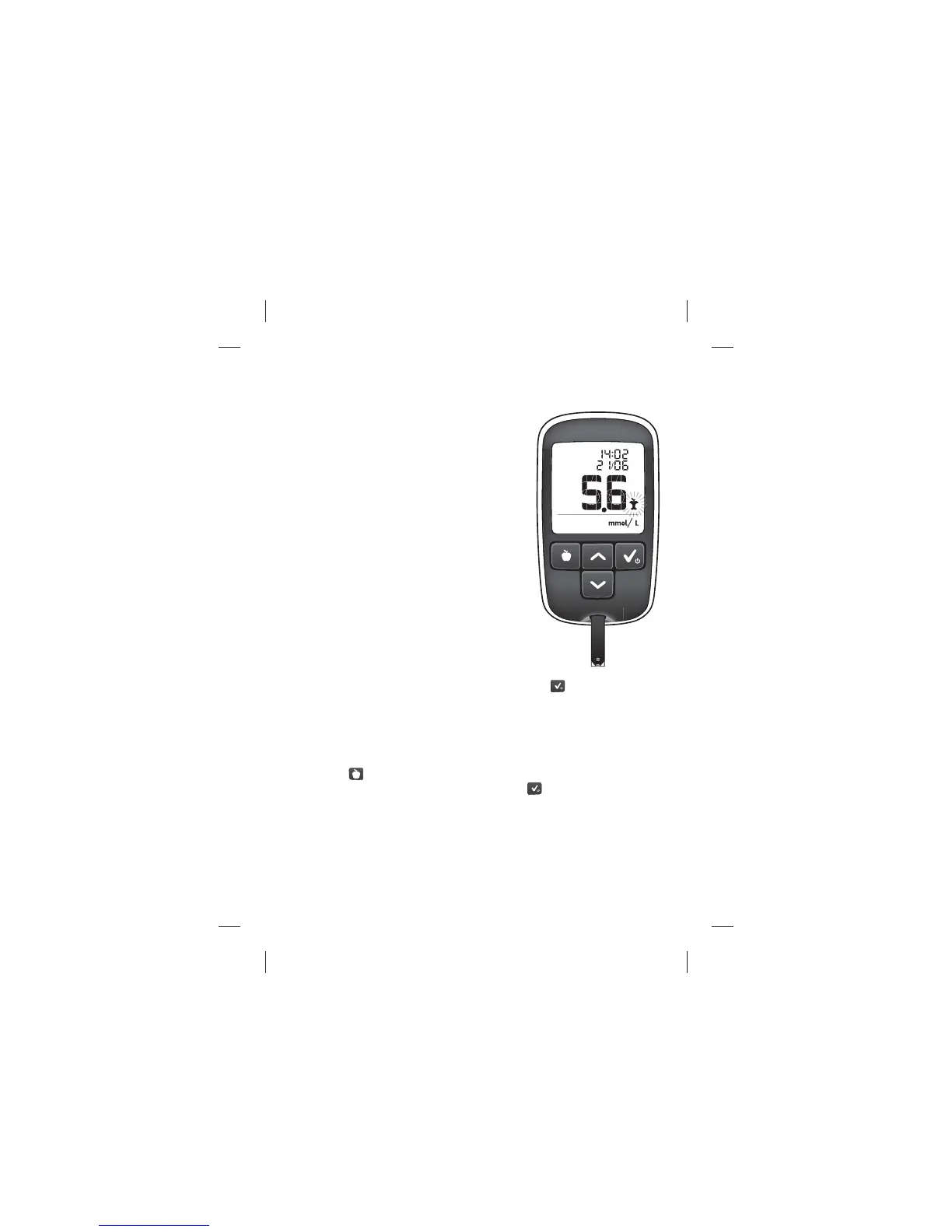
[6] View Blood Glucose Test Result
The blood glucose test result will appear
on the meter display. Your test result is
stored in the memory of your meter.
[7] Test Result Mealtime Tagging
The MyStar Extra® Meter automatically
tags results as before meal, after meal, or
fasting, based on the default mealtime
settings (see below). Tagging enables you
to view averages to see what e ect your
meals have on your blood glucose levels.
The meter adjusts to your habits and
adapts to your schedule.
When a reading is taken during preset
meal times the meter will ash the
suggested tag until the tag is con rmed.
The tag is con rmed either by pressing CHECK (
), removing the
used strip, or when the meter deactivates. Once con rmed, the test
result and mealtime tag are stored in the memory of your meter.
If the tag assigned to your reading is not correct, you can change the
mealtime tag within the next 48 hours by pressing the MEALTIME
button (
) to select the appropriate tag. Once the appropriate tag
is chosen, con rm by pressing the CHECK (
) button. The icon will
then stop ashing.
How to Test Your Blood Glucose Level
Example of Blood
Glucose Test Result:



 To Next Page