14 NAB EFTPOS User Guide
Step 5
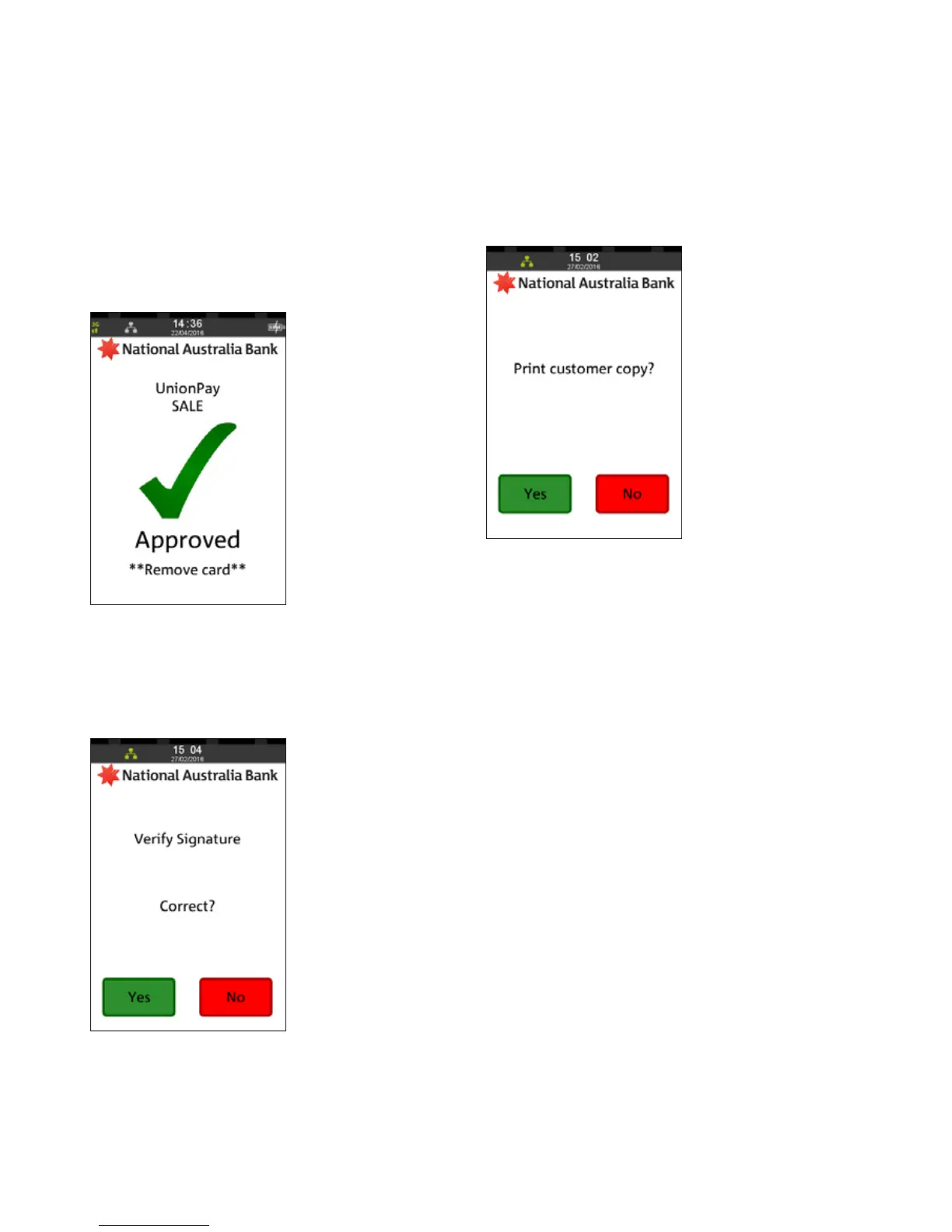
An acknowledgement displays once the sale has been
approved and the merchant receipt with signature request
will print
Remove card from the terminal
Step 6
Ask customer to sign the receipt.
You will need to verify your customer’s signature with
the signature on the card. If this is correct, press Yes
Step 7
Press Yes to print the customer receipt if required.
SALE
INSERT/SWIPE USING SIGNATURE (CONTINUED)



 To Next Page