NAB EFTPOS User Guide 9
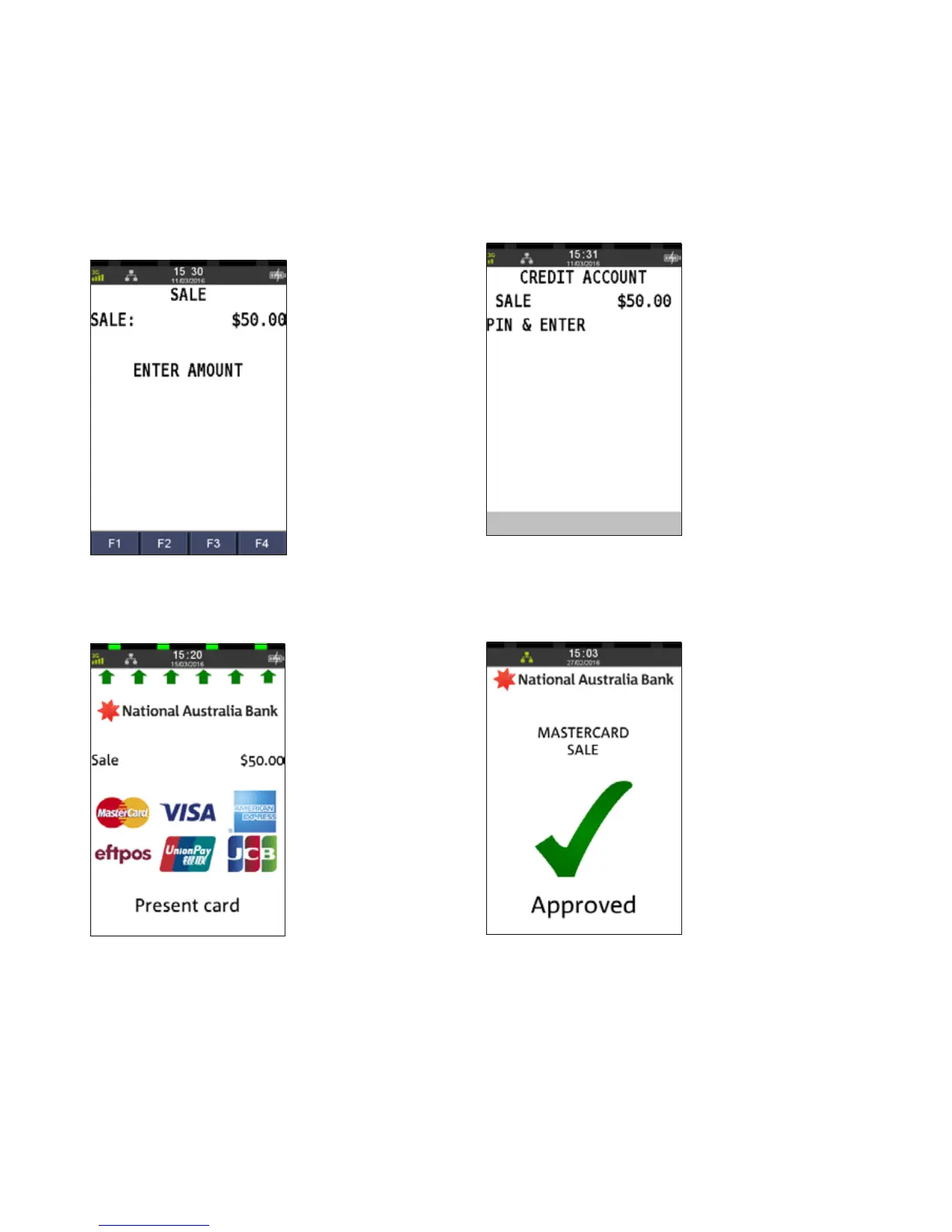
Step 1
Enter the sale amount directly from the home screen
and press ENTER
Step 2
Ask customer to TAP their card
Ensure your customer holds their card over the contactless
logo until all four bars ‘light up’ and the terminal sounds a
beep. This will only take a few seconds.
Step 3
Ask customer to enter a PIN and press ENTER, if required
Step 4
An acknowledgement displays once the sale
has been approved and the merchant receipt will print.
SALE
TAP



 To Next Page