26 NAB EFTPOS User Guide
This function allows you to print a duplicate receipt for a
particular transaction (invoice number) within the same
settlement period.
Step 1
Press the Menu key
Step 2
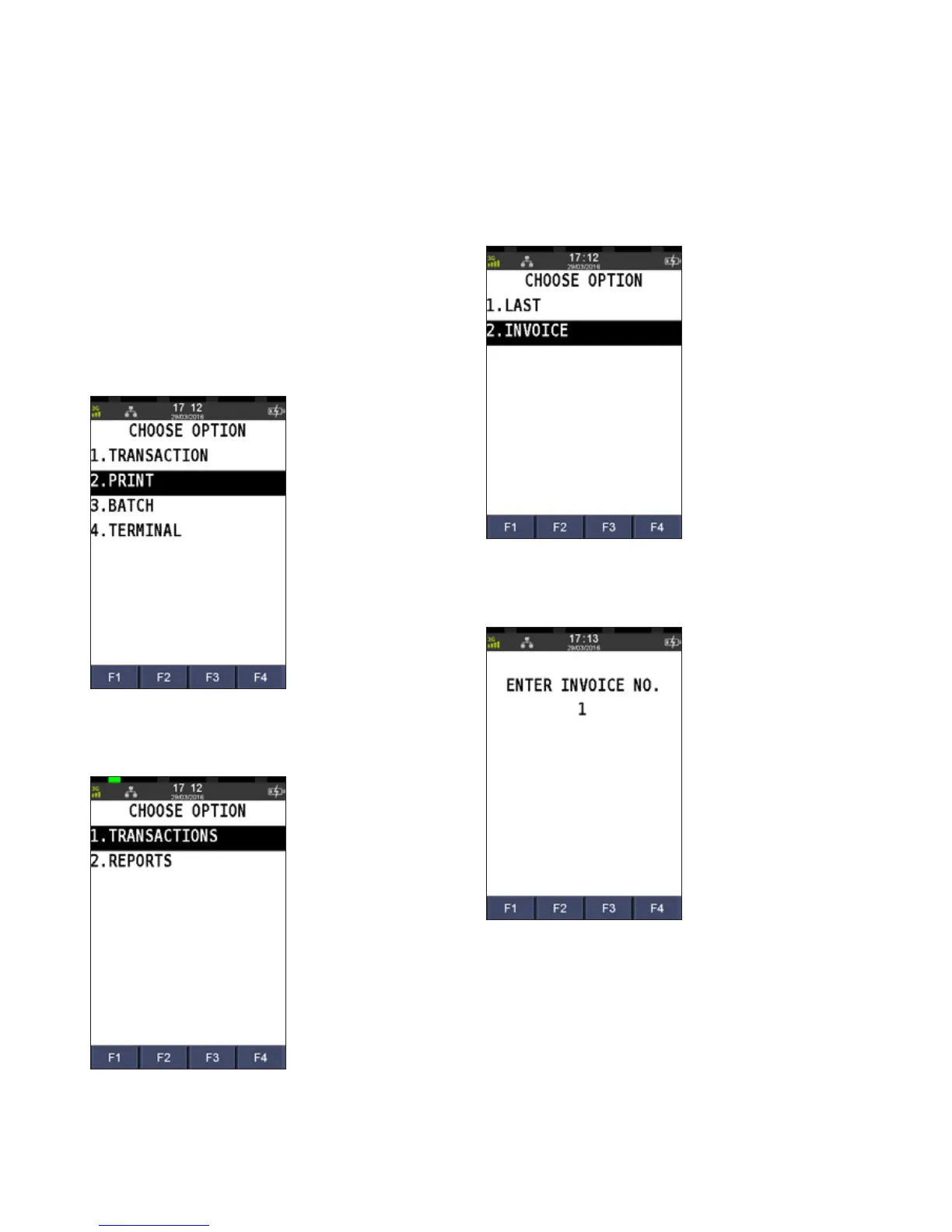
Press 2 to select Print
Step 3
Press 1 to select Transactions
Step 4
Press 1 to select Invoice
Step 5
Enter the invoice number and press ENTER
Step 6
Press ENTER to print the duplicate customer receipt
RE-PRINT RECEIPT
PAST TRANSACTIONS WITH INVOICE NUMBER



 To Next Page