56 NAB EFTPOS User Guide
STATIONERY ORDER
ORDERING RECEIPT ROLLS
You may order receipt rolls directly from your terminal.
The stationery order will be sent after a logon or the next
financial transaction. You will receive an order of 20 rolls
within 2-5 business days.
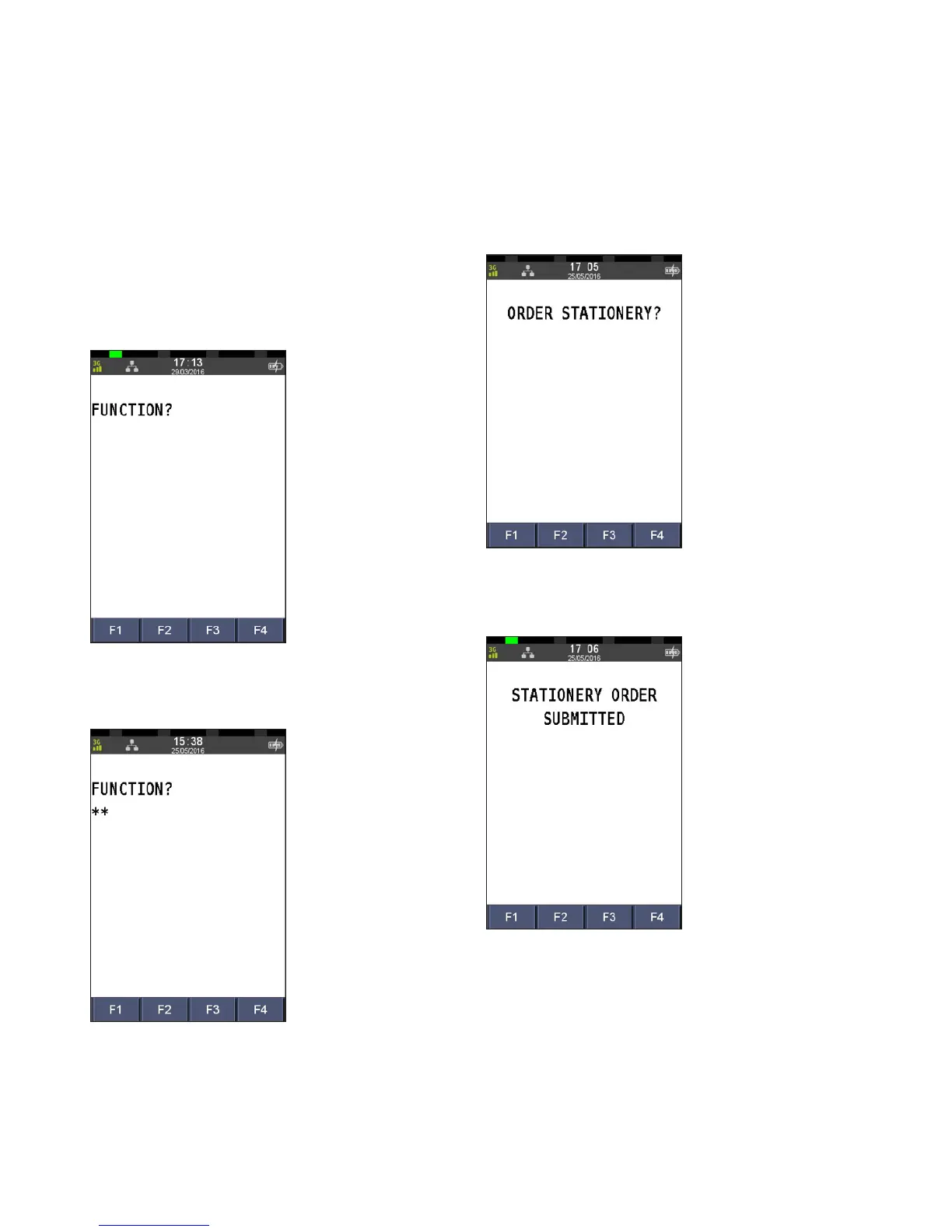
Step 1
Press the Func key
Step 2
Enter 30 using the PINpad and press ENTER
Step 3
Press ENTER to order receipt rolls
Step 4
A message displays to confirm the order has been submitted



 To Next Page