30 NAB EFTPOS User Guide
This function allows you to manually close the batch
and settle for the day.
Note: Your terminal will settle auto
matically at 9:00pm AEST
daily, unless a manual settlement is performed.
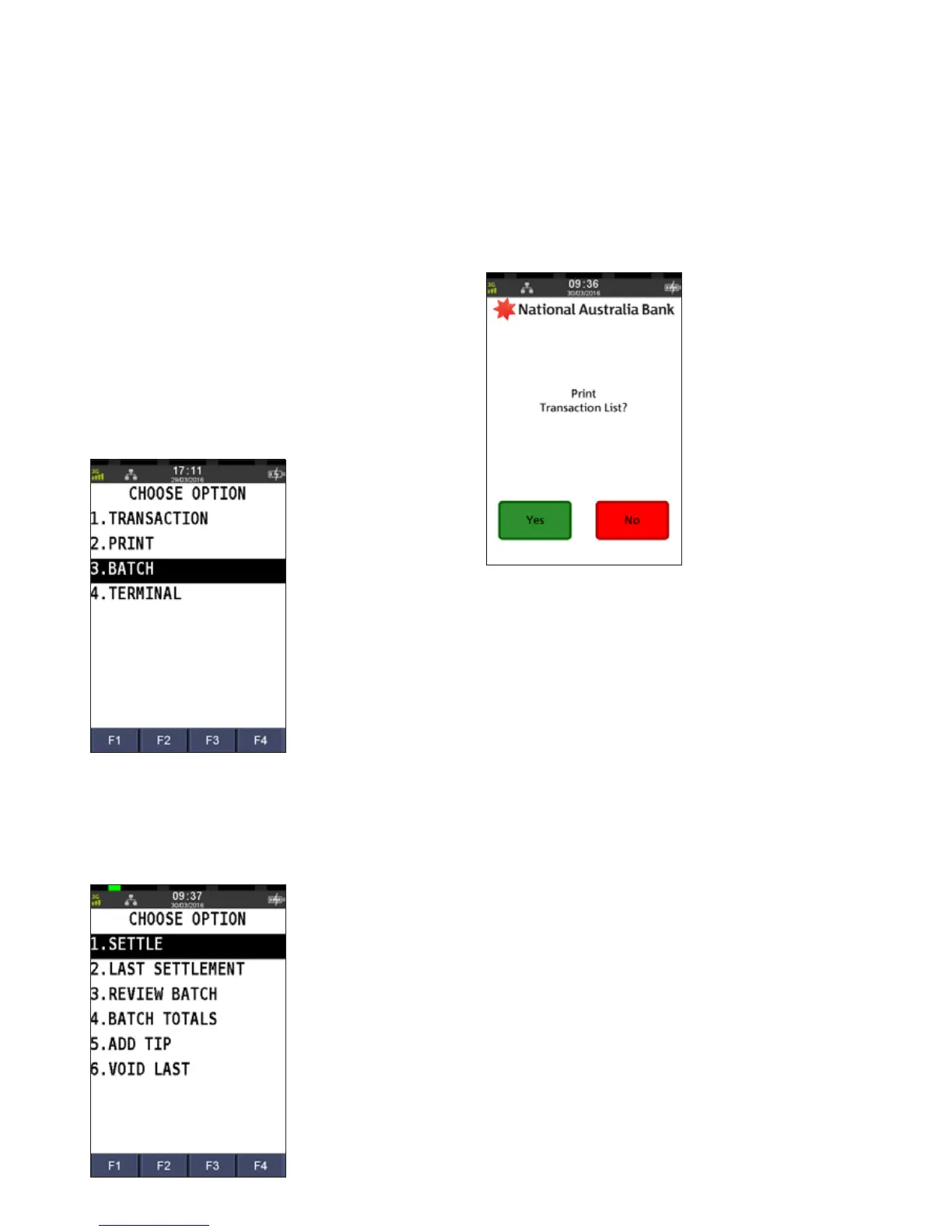
Step 1
Press the Menu key
Step 2
Press 3 to select Batch
Step 3
Press 1 to select Settle
The settlement process commences, and when
successfully processed, the settlement receipt will print.
Step 4
Press Yes to print a transaction list
A transaction list prints that lists all individual transactions.
MANUAL SETTLEMENT



 To Next Page