28 NAB EFTPOS User Guide
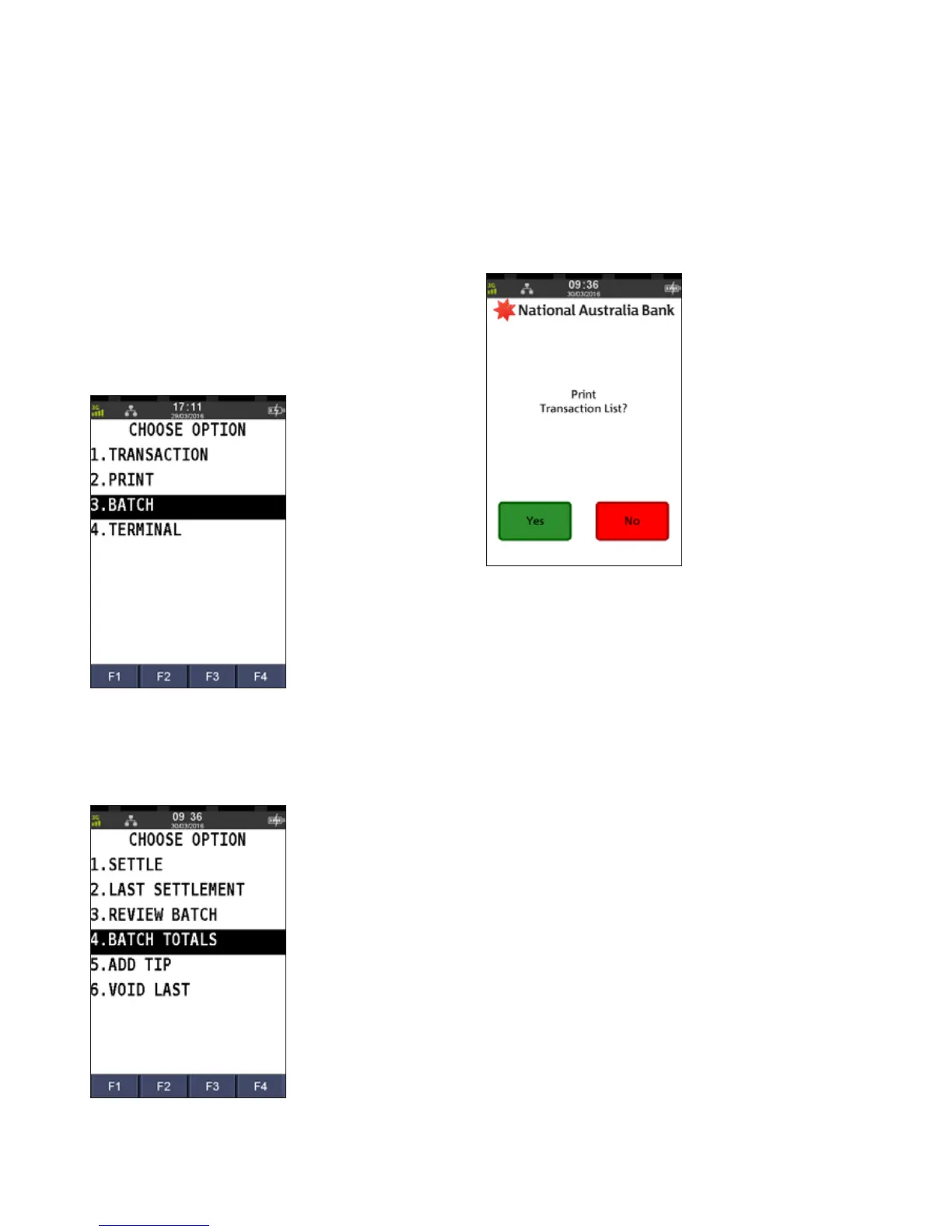
This function prints a listing of all transactions performed
after the last settlement time until the current time. A pre-
settlement does not settle the terminal
Step 1
Press the MENU button on the home screen
Step 2
Press 3 to select Batch
Step 3
Press 4 to select Batch Totals
A pre-settlement receipt prints which lists the batch totals.
Step 4
Press Yes to print a transaction list
A transaction list prints that lists all individual transactions.
PRINT SETTLEMENT TOTALS
PRE-SETTLEMENT



 To Next Page