NAB EFTPOS User Guide 31
AUTOMATIC SETTLEMENT TIME SET-UP
This function allows you to set-up the terminal
to automatically settle every day at a preferred time
that you specify.
The terminal must be switched on for automatic settlement
to occur. For overnight settlements, it is recommended the
terminal remains on its charging base.
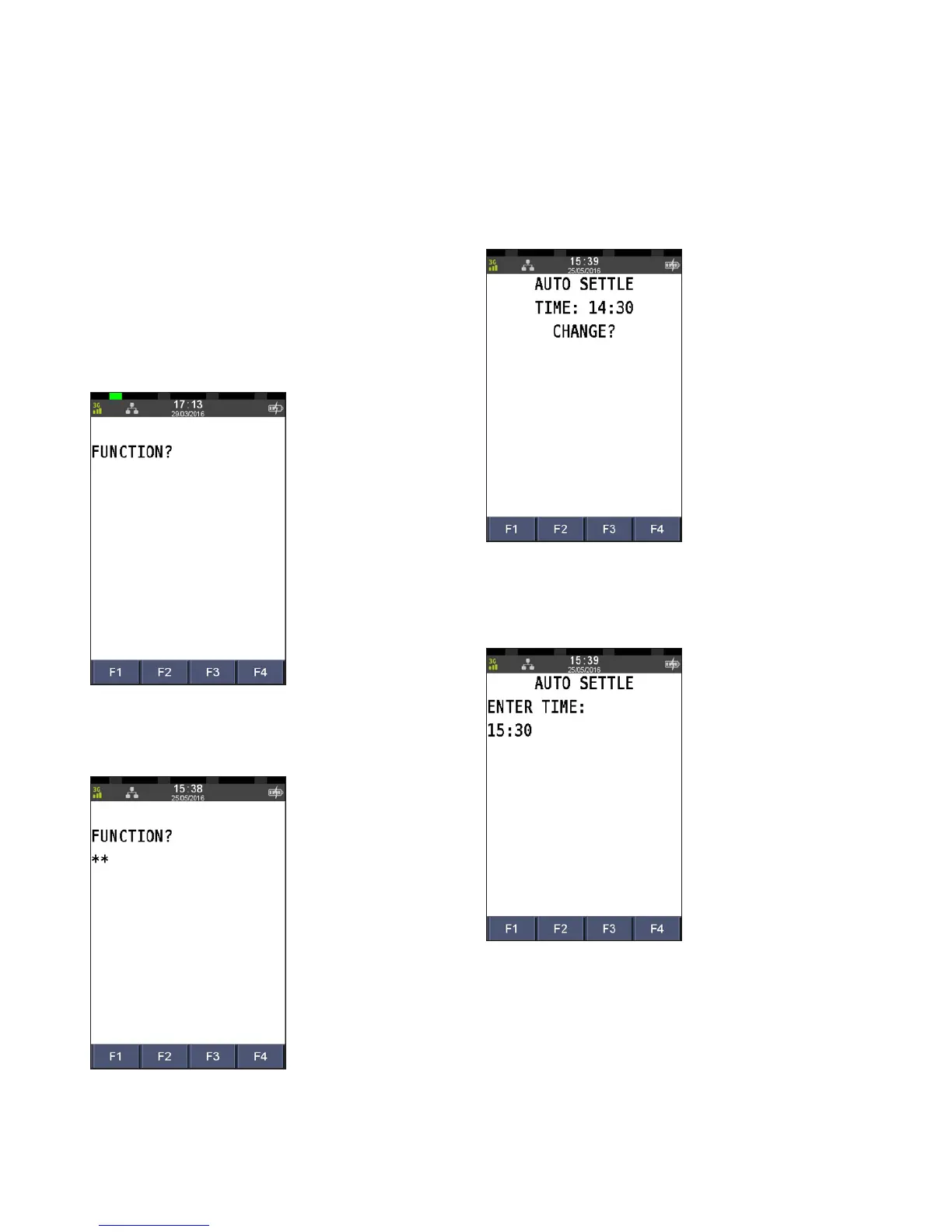
Step 1
Press the Func key
Step 2
Enter 13 using the PINpad and press ENTER
Step 3
Press ENTER to change the time
Step 4
Enter the new time in the 24 hour HH:MM format,
and press ENTER



 To Next Page