NAB EFTPOS User Guide 13
The signature option is only available for cards
issued overseas.
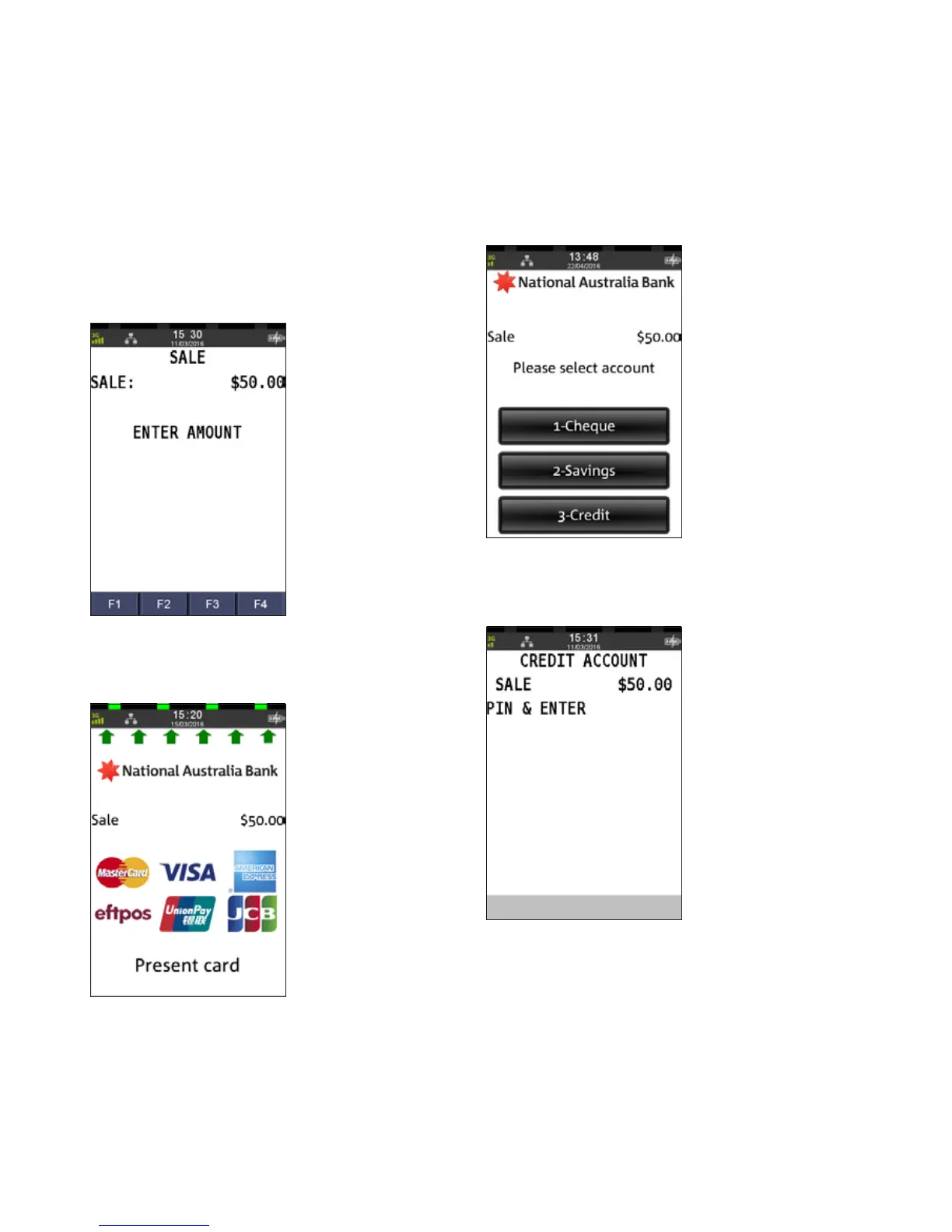
Step 1
Enter the sale amount directly from the home screen
and press ENTER
Step 2
Ask customer to INSERT or SWIPE their card
Step 3
Ask customer to select an account
Step 4
Ask customer to press ENTER
SALE
INSERT/SWIPE USING SIGNATURE



 To Next Page