48 NAB EFTPOS User Guide
MANUAL KEY ENTRY
The manual key entry function is only available if approved
by NAB. To submit a request for this function, contact the
Merchant Service Centre.
It is recommended that merchants do not manually enter
card details without first attempting to swipe or insert
the card in the card readers. Using this function will require
customer signature verification, and any surcharge that
has been set on the terminal will apply to the sale.
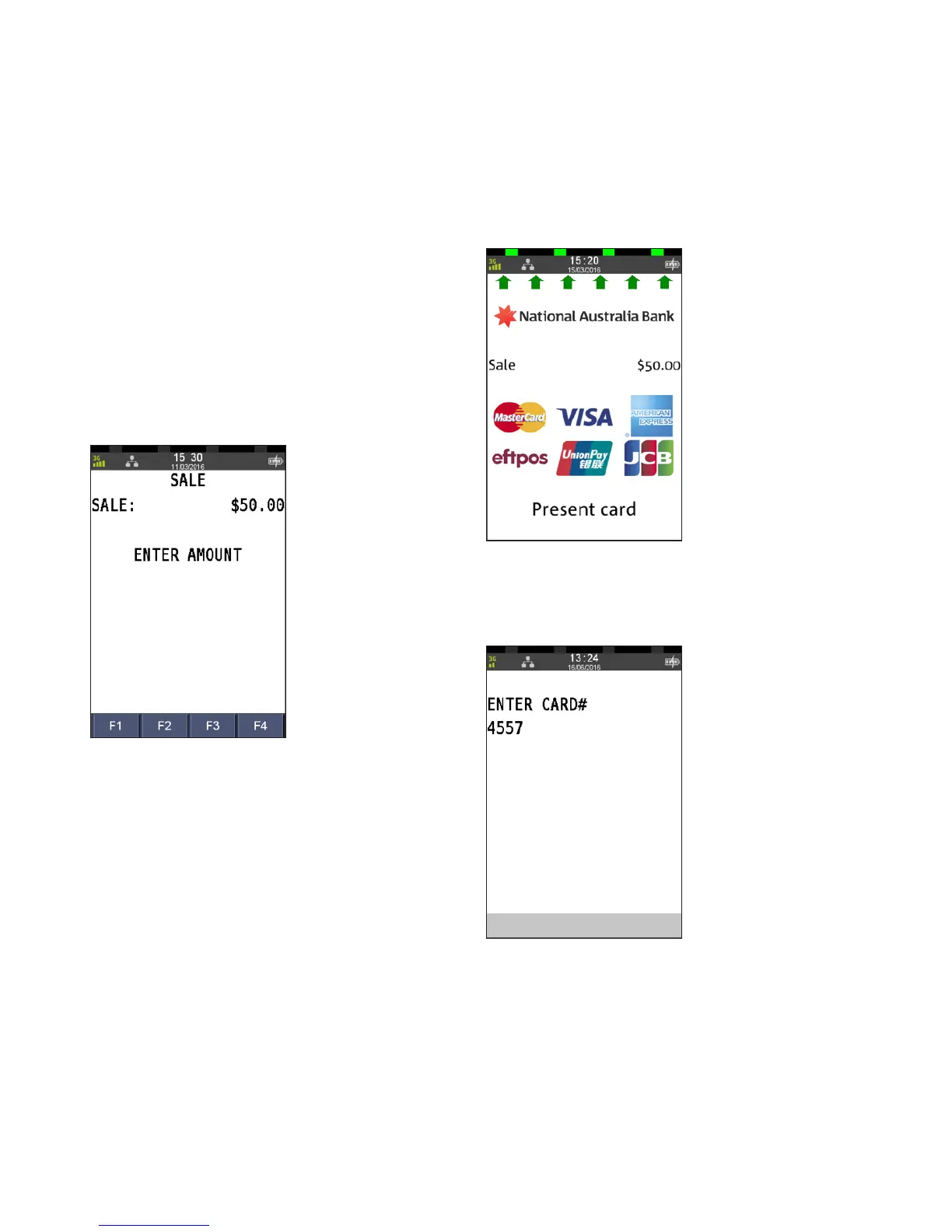
Step 1
Enter the sale amount directly from the home screen
and press ENTER
.
Step 2
Commence entering the customer’s card number
Step 3
Complete entering the customer’s card number,
and press ENTER



 To Next Page