NAB EFTPOS User Guide 57
CHANGING THE RECEIPT ROLL
Step 1
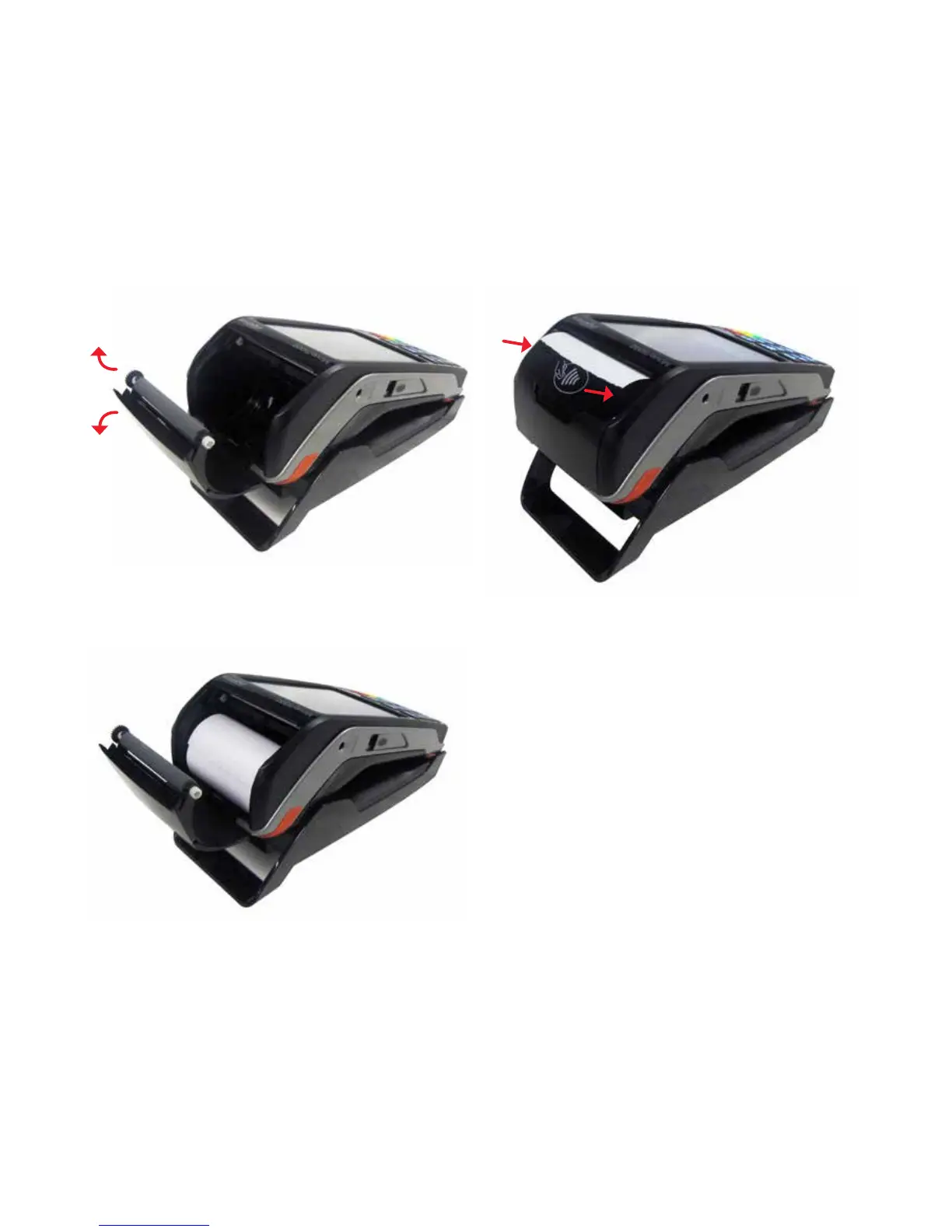
Open the paper compartment by lifting the catch located at
the top of the contactless landing zone and pull the cover to
the rear of the terminal
Lift catch up
Pull cover
open
Step 2
Insert the paper roll into the compartment, as shown below
Step 3
Pull the paper up towards the top of the terminal
Step 4
Maintain the paper and close the cover
Step 5
Press simultaneously on both upper corners of the
contactless landing zone, as shown by red arrows below,
until it clips into position
Step 6
If required, press the Feed key on the keypad to advance
the paper



 To Next Page