8 NAB EFTPOS User Guide
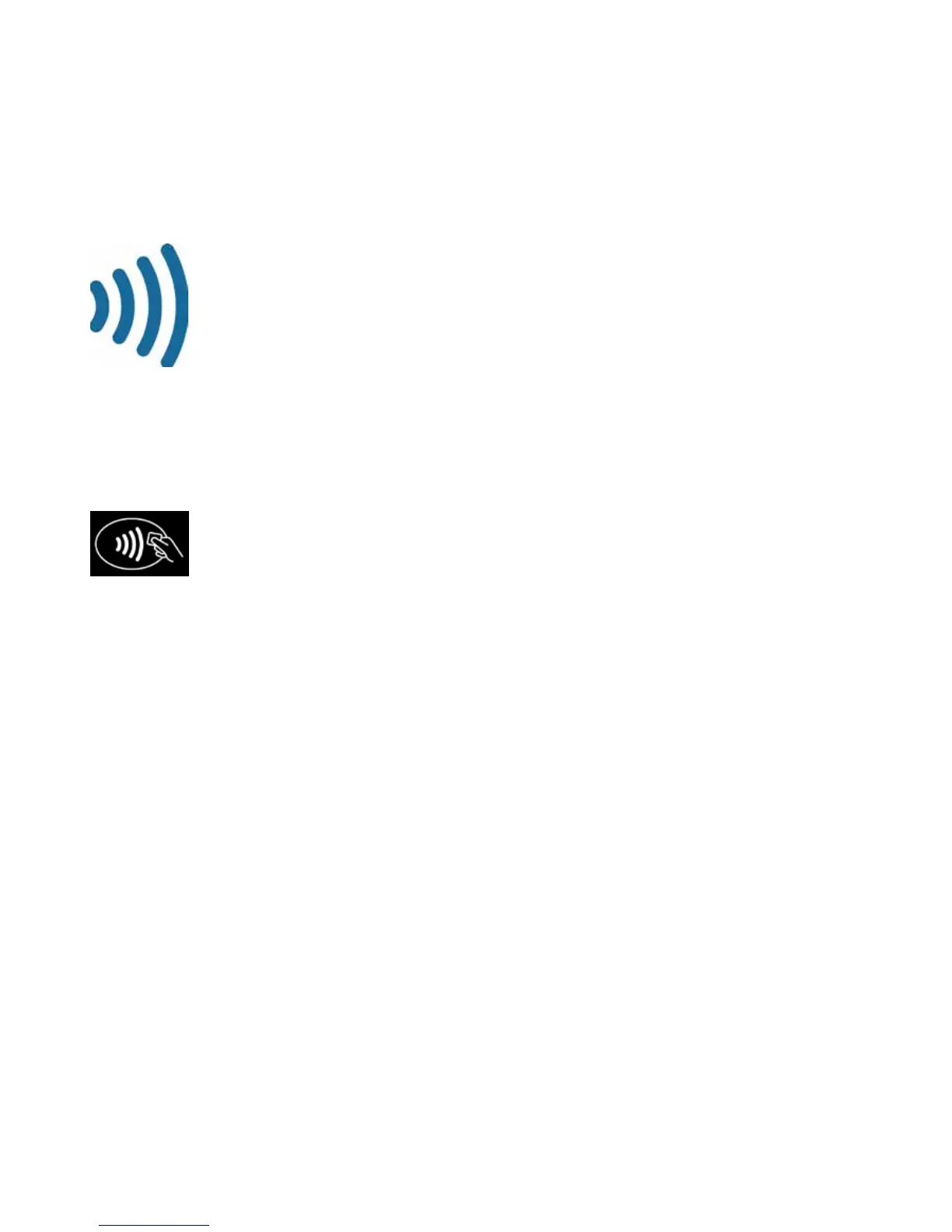
The NAB EFTPOS Ingenico terminal comes ready with the capability to accept Contactless credit card payments, commonly
referred to as ‘tap and go’. Your customer’s chip card must have the following symbol in order to use the Contactless feature.
What are the advantages of Contactless capability?
Quick and easy to use – simply tap the chip card on the landing zone, where the following icon displays at the top
of the terminal.
If the sale is less than $100, there is no need for your customer to enter a PIN or sign the merchant receipt.
If the sale is over $100, your customer will be required to enter a PIN or sign the merchant receipt.
Printing the customer receipt is optional regardless of the transaction amount.
Are there any restrictions in using Contactless?
If the sale amount is greater than $250, your customer will be asked by the terminal to insert or swipe their card.
Only a sale transaction can be made using Contactless.
CONTACTLESS
TAP & GO



 To Next Page