NAB EFTPOS User Guide 7
Navigating the Menu
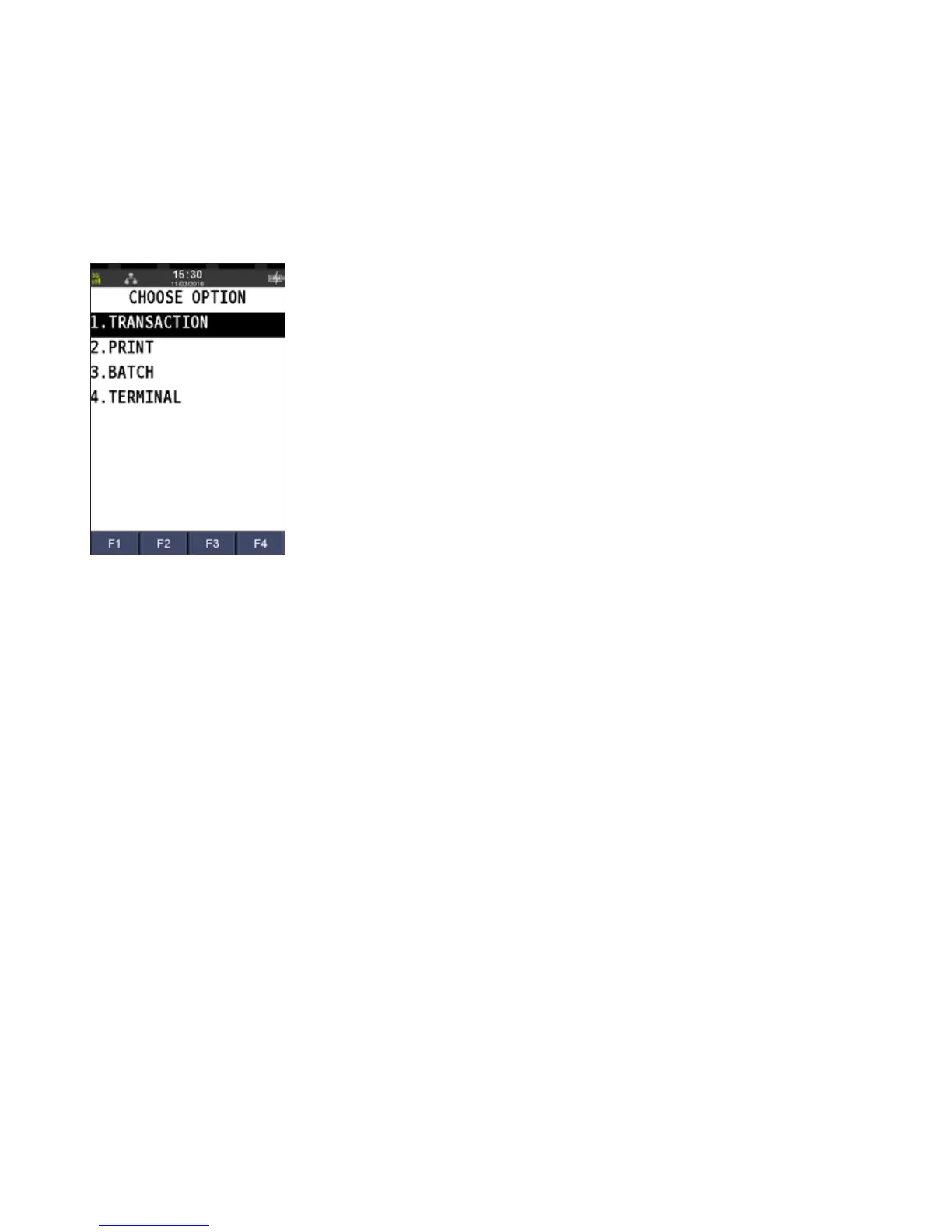
To access the Menu, press the Menu button.
There are 4 main menu items
To select a menu option:
1. Press F2 to scroll down and F3 to scroll up to the menu item, and press ENTER, or
2. Press the menu item number on the keypad
All cards can be used on the terminal using:
• Tap (using the contactless feature)
• Insert (using the chip), or
• Swipe (using the magnetic stripe)
GETTING TO KNOW YOUR
NAB EFTPOS INGENICO TERMINAL (CONTINUED)



 To Next Page