24 NAB EFTPOS User Guide
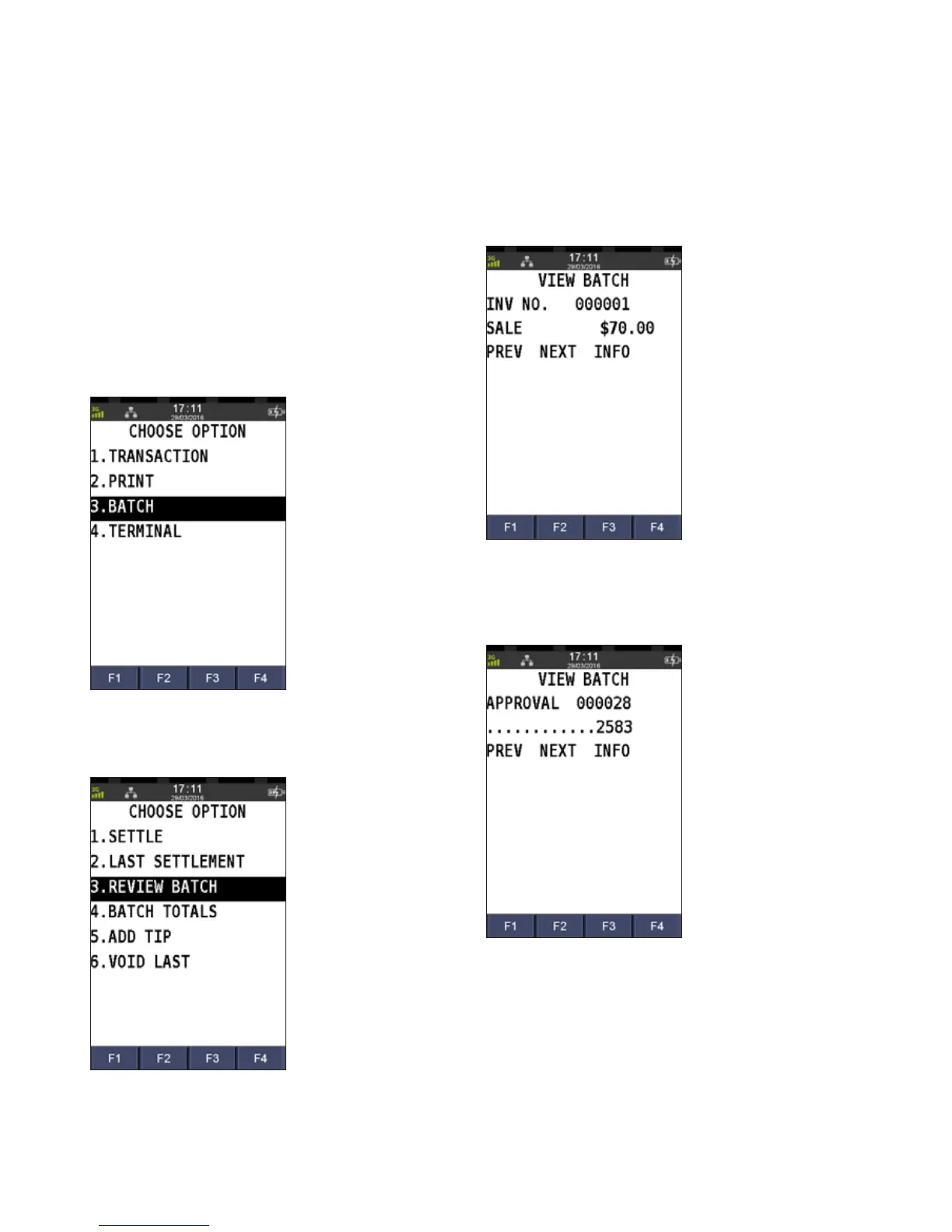
This function allows you to review the details of the last
transaction processed on the terminal screen before you
proceed to print a duplicate receipt.
Step 1
Press the Menu key
Step 2
Press 3 to select Batch
Step 3
Press 3 to select Review Batch
Step 4
The details of the last transaction display
Step 5
Press F3 to select Info for further details about
the transaction
REVIEW DETAILS OF THE LAST TRANSACTION



 To Next Page