34 NAB EFTPOS User Guide
PRE-AUTHORISATION
(CONTINUED)
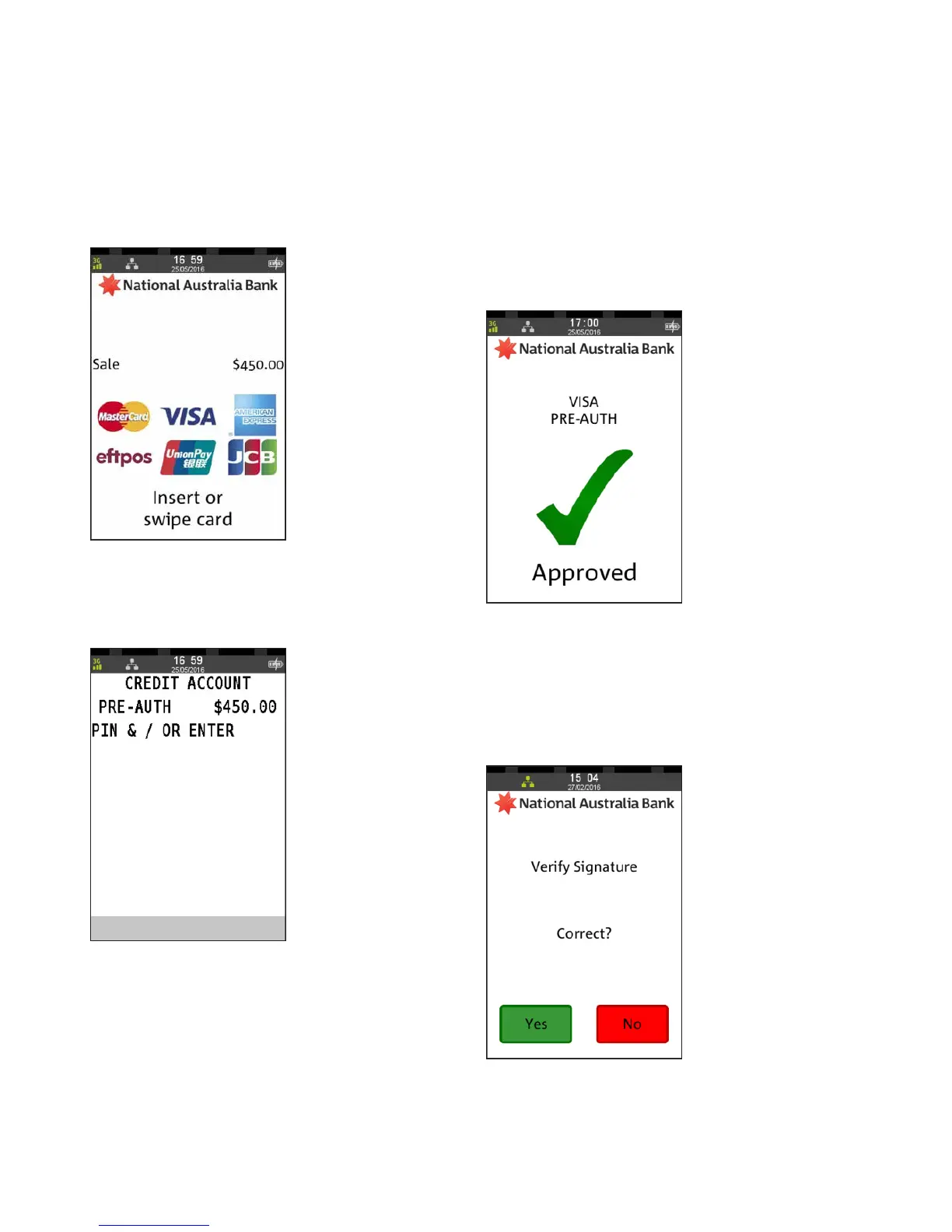
Step 5
Ask customer to INSERT or SWIPE their card
Step 6
Ask customer to enter their PIN and ENTER,
or press ENTER to sign
Step 7
An “Approved” acknowledgement displays once the pre-
authorisation has been processed successfully and the
merchant receipt will print automatically.
Remove card from the terminal
Step 8
Ask customer to sign the receipt if required.
You will need to verify your customer’s signature
with the signature on the card.
Press Yes if the signature matches



 To Next Page