10
nal von minden GmbH · Manual
Reac f Touch
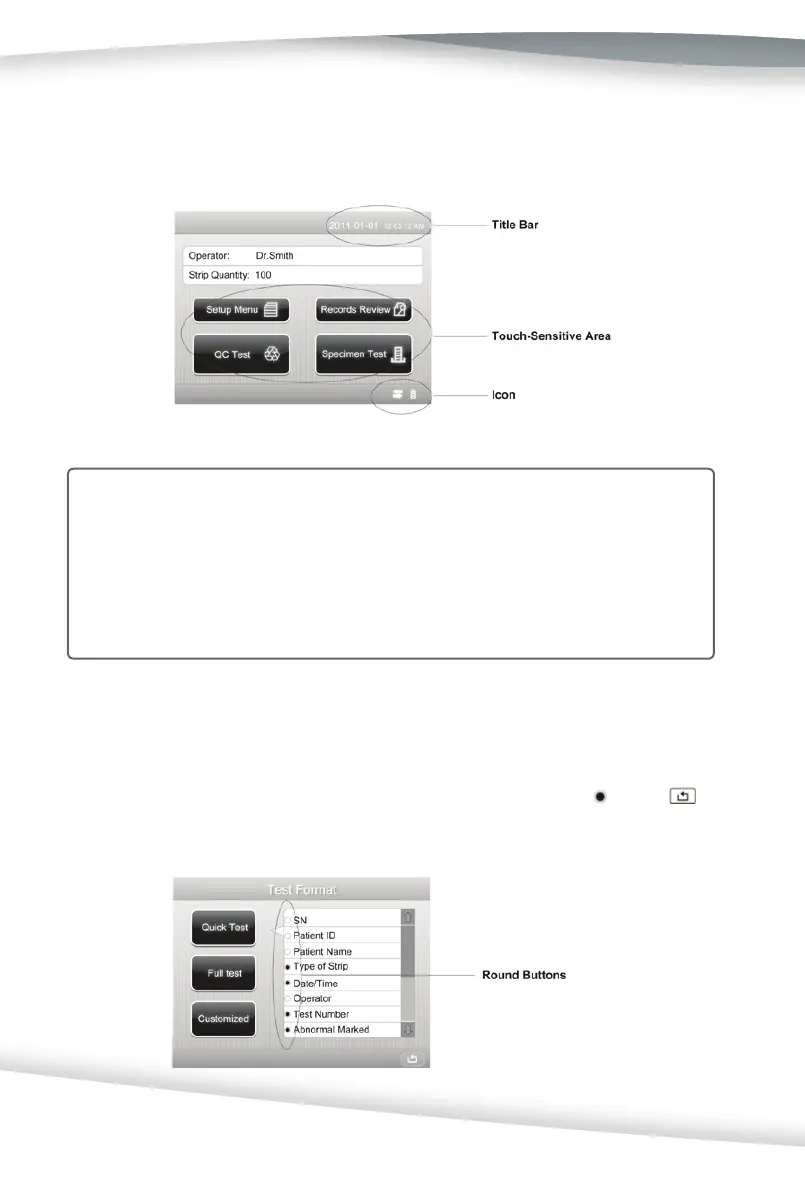
Round Bu ons
These bu ons typically appear on screens that require a selec on among several items.
The bu on with a fi lled circle is the current selec on. To change your selec on, press an
unfi lled circle. The newly selected circle (bu on) will now be marked as
. Press
to return to the previous screen.
the ini al screen). The screen needs to be pressed lightly in the touch-sensi ve area to
ac vate a response.
Note: If a pressed area does not respond as expected, slide fi nger across the approp-
riate selec on area.
There are three types of areas that respond to pressing the screen: Round Bu ons,
Boxed Areas, and Scroll Arrows.
Cau on: Use of anything hard or pointed on the touchscreen may cause damage.



 To Next Page