11
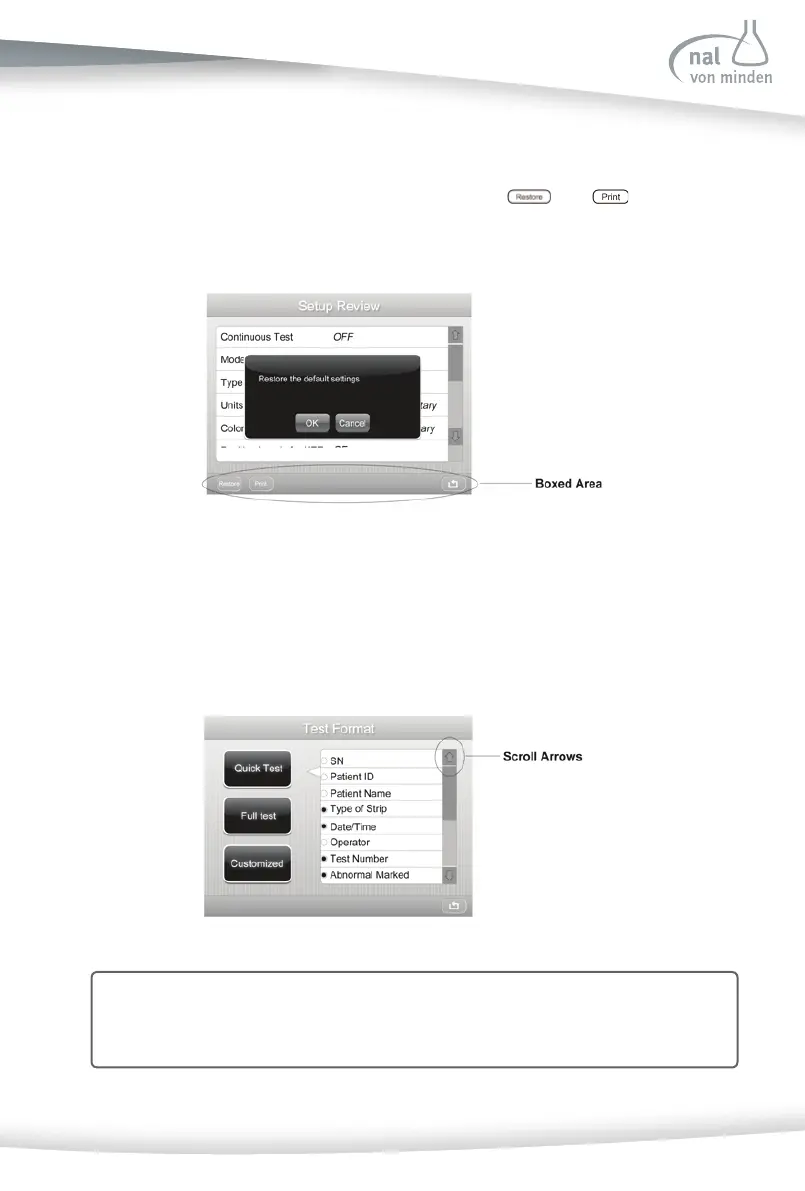
Boxed Areas
These are areas on the screen enclosed in boxes. Press any area within the box to ac -
vate that func on. Boxed areas vary in size. The boxes located on the ini al screen are
examples of larger areas. Smaller box selec ons include
and found at the
bo om of the screen.
Note: When an op on can be selected, it is displayed with a thick black frame and
will respond when pressed. If an op on is not available, it is displayed with a
gray frame and will not respond when pressed.
Scroll Arrows
Press the up and down Scroll Arrows on the right side of the screen to scroll through the list
of informa on on the le side of the screen. Once informa on on the le side of the screen
is highlighted, press the relevant op on to confi rm or change se ngs.



 To Next Page