36
nal von minden GmbH · Manual
Reac f Touch
Sound
Select Sound and press the Drop-Down Arrow to cycle the op ons to OFF, ON, and
Prompts Only. The func on of these op ons is listed below.
Sound - OFF
Internal speaker is OFF in all cases.
Sound - ON
Internal speaker is ON in all cases (keyboard and prompts).
Prompts Only
Internal speaker is ON only for prompts to the operator.
Barcode Reader
Select Barcode Reader and press the Drop-Down Arrow to cycle between ON or OFF.
ON displays the prompt for full usage of the Barcode reader.
Language
Press the Drop-Down Arrow to change the current language.
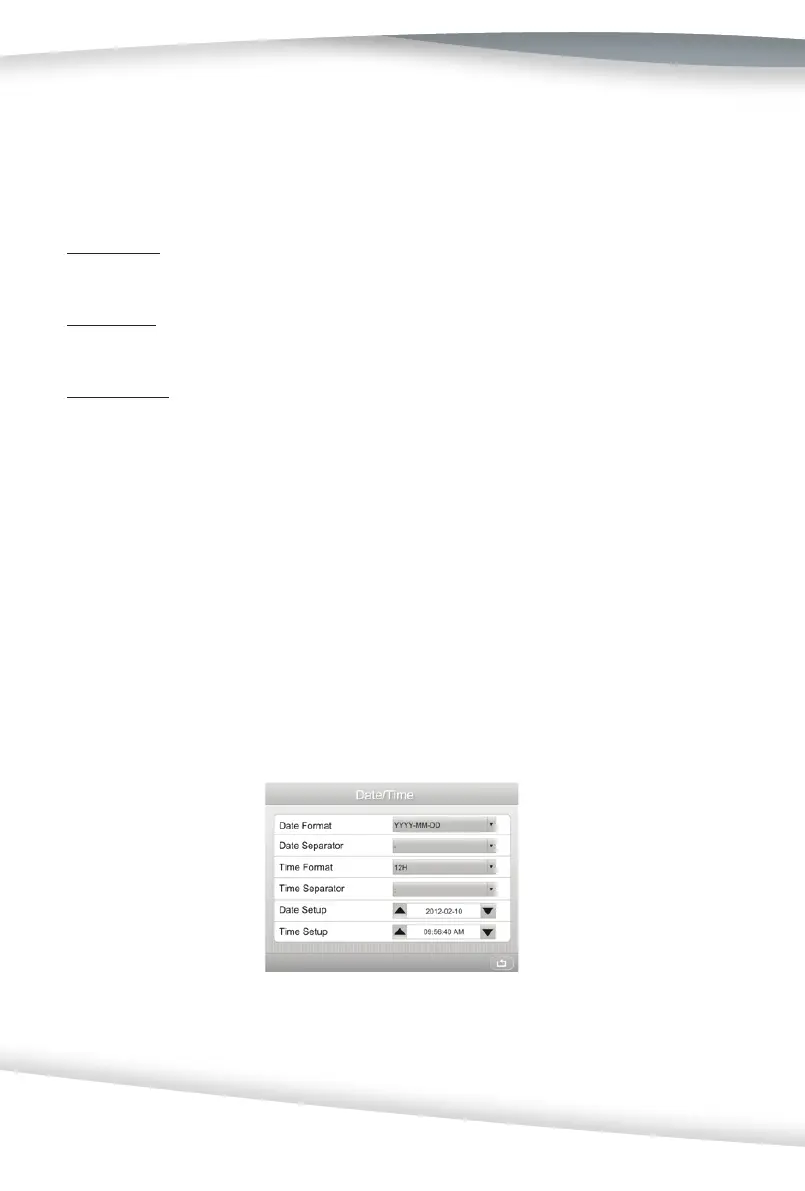
Date/Time
Select Date/Time to display the screen below.
Press the Drop-Down Arrow to change the op on, as shown below.



 To Next Page