37
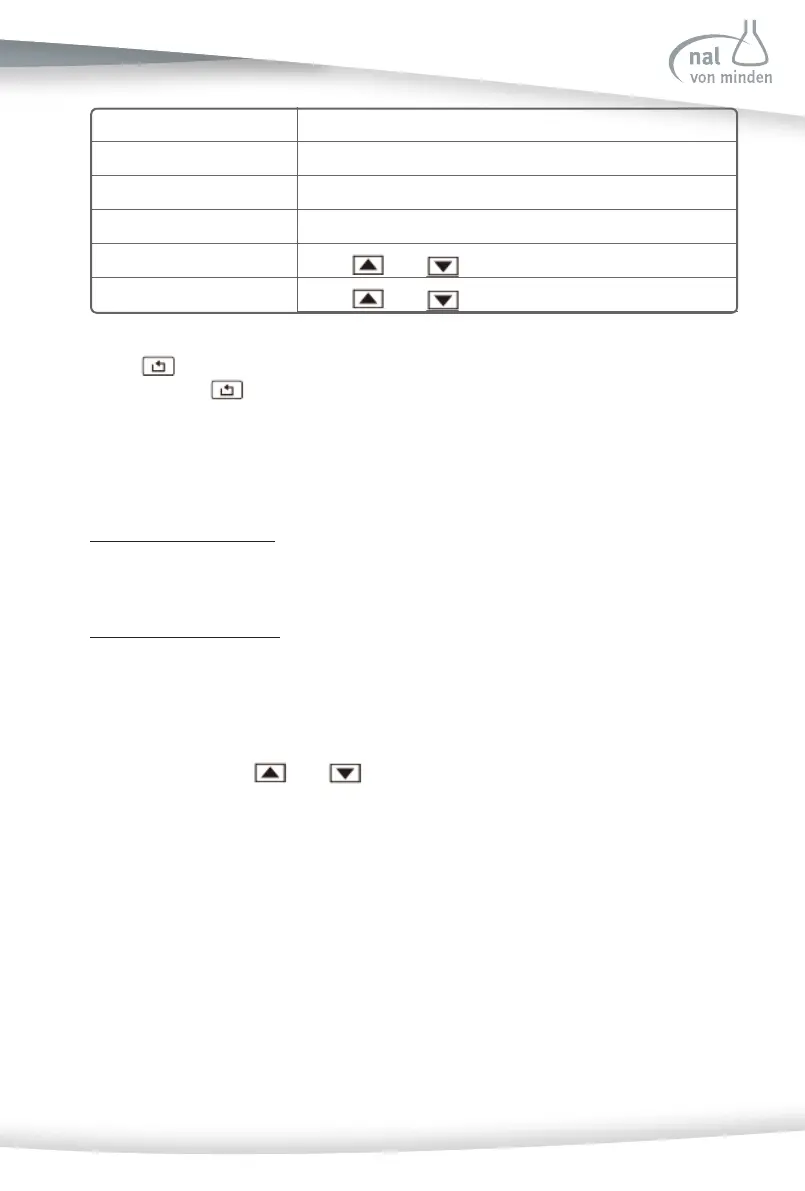
Date Format DD-MM-YYYY or MM-DD-YYYY or YYYY-MM-DD
Date Separator - - - or / / / or • • •
Time Format 12H or 24H
Time Separator : or , or .
Date Setup
Press
and to setup the Date.
Time Setup
Press
and to setup the Date.
Select to return to the Analyzer Confi gura on screen without any changes. A er
rese ng, select
to save changes and return to the Analyzer Confi gura on screen.
Auto Number Set
Select Auto Number Reset and press the Drop-Down Arrow to cycle to ON or OFF.
Auto Number Reset - ON
The test number will reset each day to 000001 for Rou ne, 100001 for STAT, or 200001
for QC Test.
Auto Number Reset - OFF
The test number is unaff ected by the date.
Display Contrast
This allows the display contrast to be increased or decreased to suit the work area, in which it
is being operated. Use
and to change the contrast se ngs.
Power Source
The Analyzer can be powered by Ba ery or Power Supply. If Ba ery is selected for the
power source, please install 6 AA Alkaline ba eries. If Power Supply is selected, please use
the appropriate power cord.
Power Save
Select Power Save and press the Drop-Down Arrow to set the op on to ON or OFF.



 To Next Page