38
nal von minden GmbH · Manual
Reac f Touch
Power Save - ON
Select ON and set the wai ng me. This turns on the analyzer’s power saving mode. In this
se ng, if the screen is not touched during the wai ng me, the Test Table Insert will be
drawn back into the analyzer and the screen will darken. The default me is 5 minutes.
Power Save - OFF
In this se ng, the analyzer will remain powered on all the me, even if the screen has
not been touched for a long me.
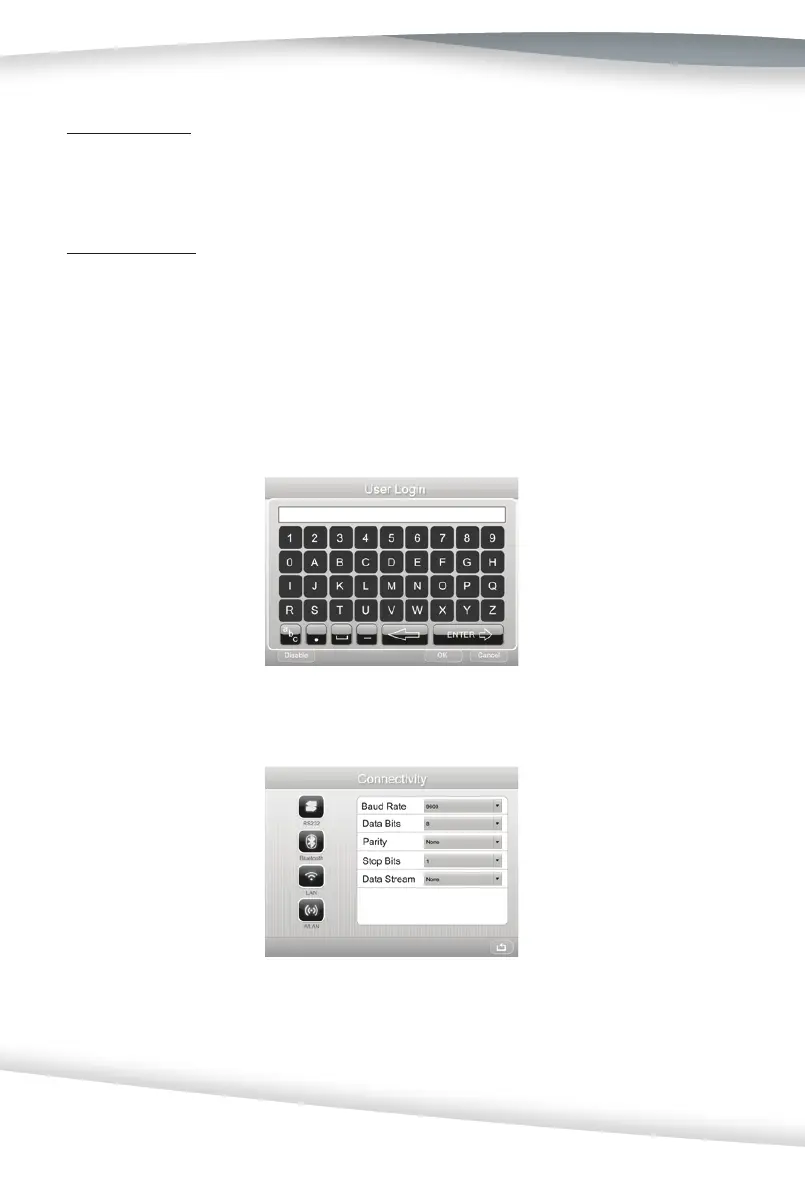
Keypad
Select Keypad and press the Drop-Down Arrow to set the keypad to the Alphanumeric
key or Standard keyboard. If Standard keyboard is selected, please connect an external
keyboard. If Alphanumeric key is selected, a key board as following will be shown on the
touch screen when needed.
Connec vity
Select Connec vity to display the screen below
This screen is used to confi gure the RS232, Bluetooth, LAN, and WLAN op ons. Choose
the connec vity method as desired and then set the data informa on. Press the Drop-
Down Arrow to change this informa on to the appropriate op on, as shown below.



 To Next Page