47
Control Numbers
Press the Drop-Down Arrow under Control Numbers to reset the controls to be tested.
The control number can be set from 1 to 3. The analyzer will run the QC test at the con-
trol number se ng. For example, if need to test Level 1 and Level 2, choose 2. (Refer to
Sec on 9 QC Tes ng: QC Test Procedures).
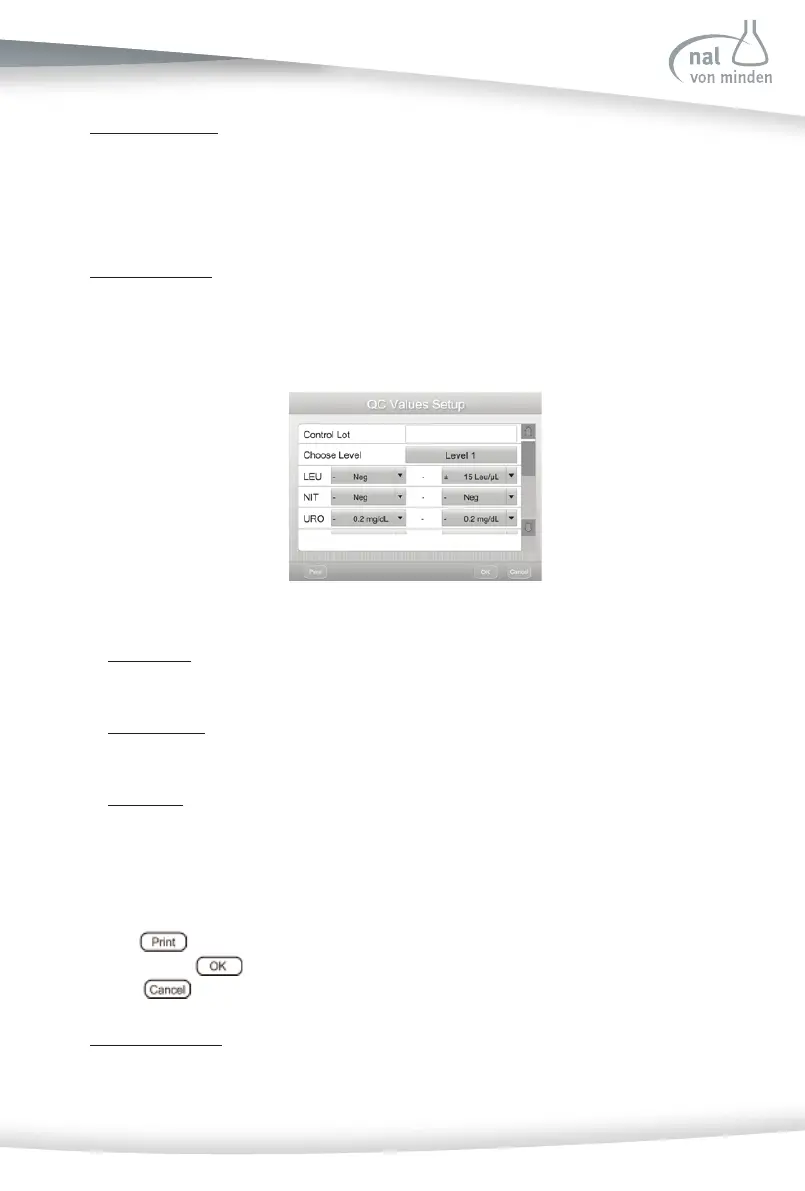
QC Values Setup
Press the QC Values Setup op on to enter a new screen to reset the Control Lot, Choose
Level and reset QC Values.
• Control Lot
Enter the Control Lot of the urine control.
• Choose Level
QC test level can be set from Level 1 to Level 3 to set the level of the urine control.
• QC Values
Please set up the QC values according to the urine control expected values (the
expected values can be found in urine control products). The values are diff erent for
diff erent lots.
Press to print the QC values of the control levels, which are displayed on the
screen. Press
to save the se ngs and return to the QC Lockout Setup menu.
Press
to return the QC Lockout Setup menu without saving.
QC Lockout Setup
Change the QC Lockout setup to ON. The screen below will be shown.



 To Next Page