PMM 9030/9060/9180 Frequency Extension 11-55
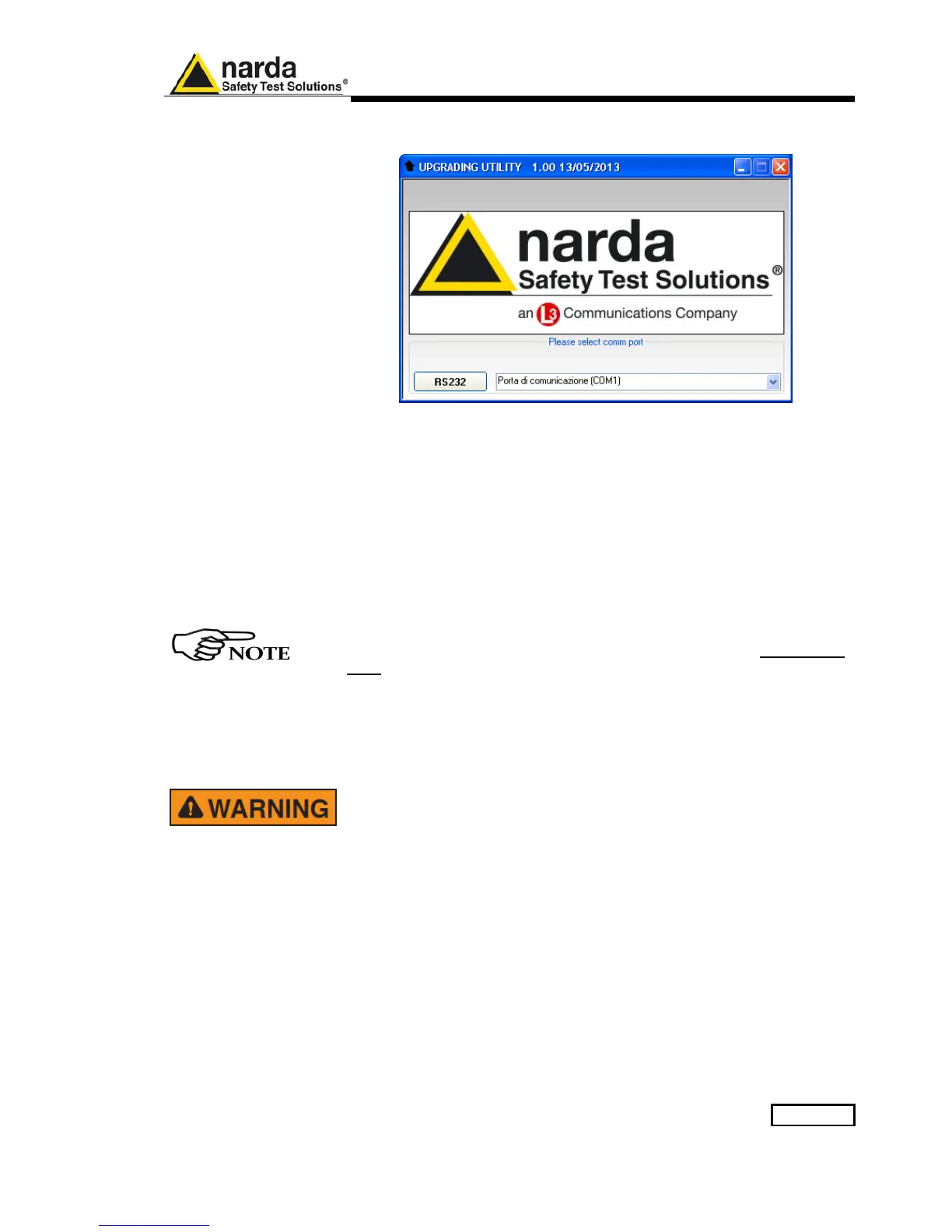
Click on “9030-9060-9180 SeriesUp” (9030SeriesUp.exe) once for running
the update program, so getting the following window:
Two firmware components can be updated by this application: Firmware,
which is the receiver internal program, and FPGA, to update the internal
programmable logic.
The .ldr file required for Firmware updating and the .bin file for FPGA are
automatically stored in the same directory of the 9030SeriesUp.exe,
otherwise just copy them there before performing the upgrade:
- PMM 9030: “9030FW.ldr” for FW; “run9030.bin” for the FPGA.
- PMM 9060: “9060FW.ldr” for FW; “run9060.bin” for the FPGA.
- PMM 9180: “9180FW.ldr” for FW; “run9180.bin” for the FPGA.
To obtain up-to-date Firmware for PMM 9030/9060/9180, the user can
contact his NARDA distributor or download it directly from Support
area of EMC Product Range on the following Web Site: www.narda-
sts.it.
Be sure batteries of PMM 9030/9060/9180 and connected Laptop (PC)
are fully charged before performing the FW Upgrade, otherwise the
upgrade progress could not terminate properly.
Alternatively, be sure to have both PMM 9030/9060/9180 and Laptop
(PC) powered through their respective AC/DC power adapters.
Anyway, even in case of failure, the internal BIOS will never be
corrupted and you’ll just need to repeat the procedure once more (this
is a unique feature!).
Should FW Upgrade procedure stop before reaching the 100%
completion that will have not to be considered a trouble but simply an
intermediate step: in this case please switch OFF and ON the receiver
and repeat the FW Upgrade procedure once more until the end.
Always cycle power OFF and ON again after every FW Upgrade.



 To Next Page