3-4 Setup and Panel Instructions
3.7 RS 232 (Speed)
Pressing the Left or the Right Arrow key, inside the Setup menu, the
second page appears. In the second page is the RS 232 Port speed
setting function.
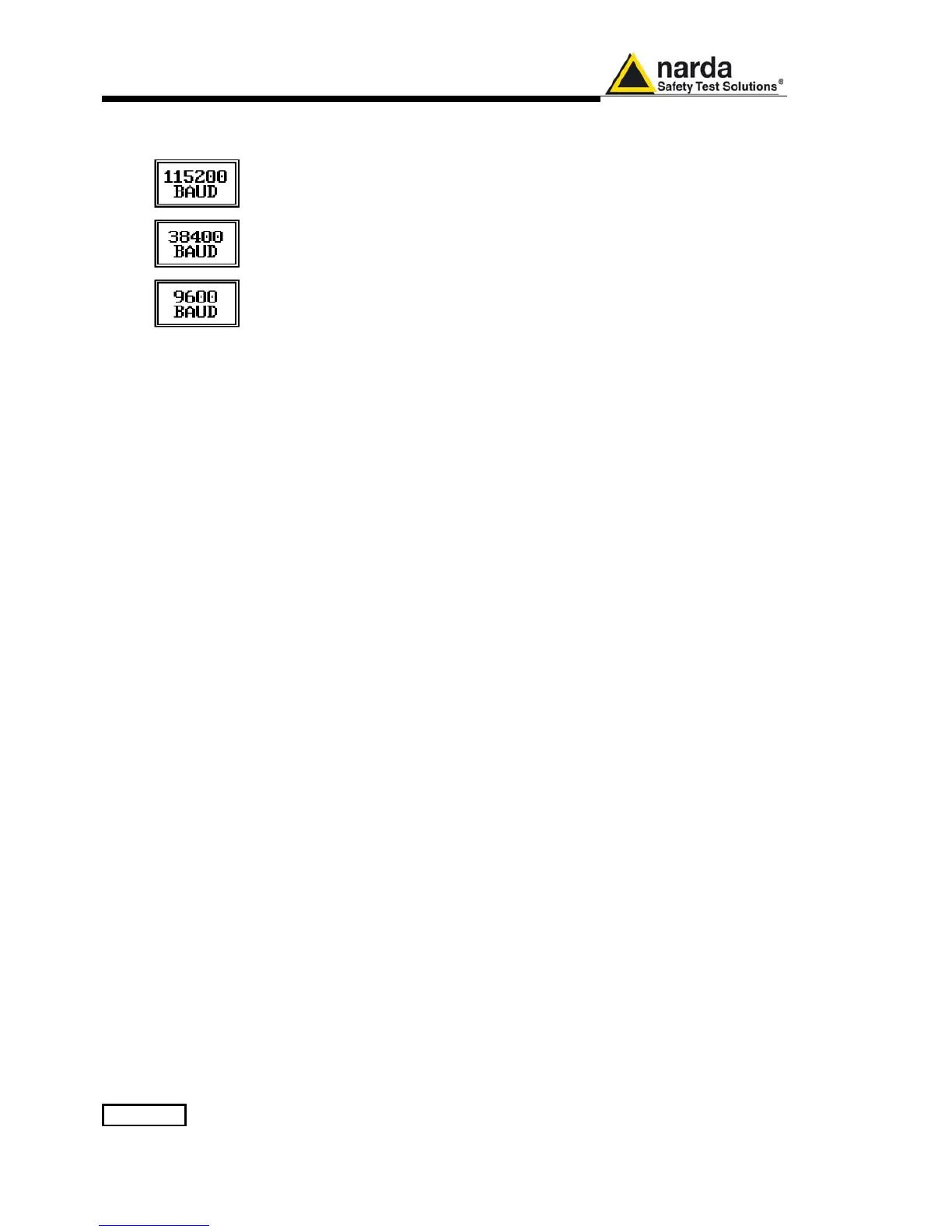
Here it is possible to set the bit rate of the RS 232 serial port which
connector is located on the rear panel.
The actual setting is always shown between the parenthesis and it is
possible to choose between 9600, 38400 and 115200 bps.
The default speed, that is the one to be used for standard communication,
is 115200.
In case an optional device (ex. GPIB interface) is to be connected to the
RS 232 port, refer to its operating manual to know the correct speed to be
selected.



 To Next Page