PMM 9010-RMA Rack Mount Adapter 12-7
12.12 Use of the
PMM 9010-RMA
with
PMM 9010
The following procedure is indifferently referred to the 9010 or
9010/03P/30P/60P.
This section provides the information needed to install your 9010
Instrument on the PMM 9010-RMA Rack Mount Adapter.
- Remove the frontal panel from the Rack unscrewing the milled knob
without loosing it completely.
- Using the handles, open the PMM 9010-RMA slowly.
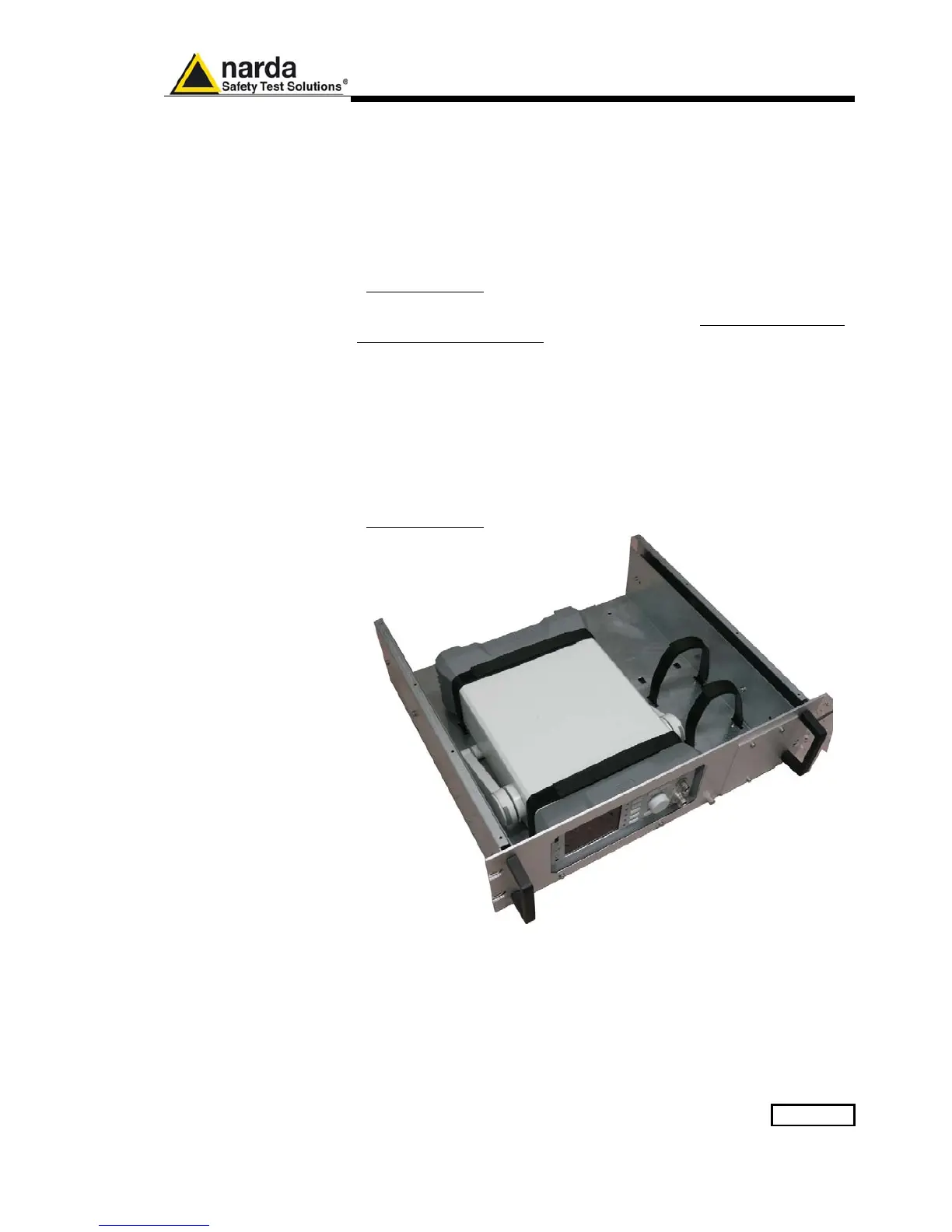
- Place the instrument by the rectangular holes and drag the instrument in
contact with the frontal panel.
- To ensure the necessary stability, the instrument must be fastened to the
unit using the straps.
- Connect the cables on the rear panel (see “Installation” chapter for further
information)
- To fix the rear cables to the Rack Mount insert plastic straps by of the
round holes.
- Using the handles, close the PMM 9010-RMA slowly.
Fig. 12-3 PMM 9010-RMA with 9010 Instrument



 To Next Page