13-10 APD Mode Operating Instructions
13.4.1.2 Input
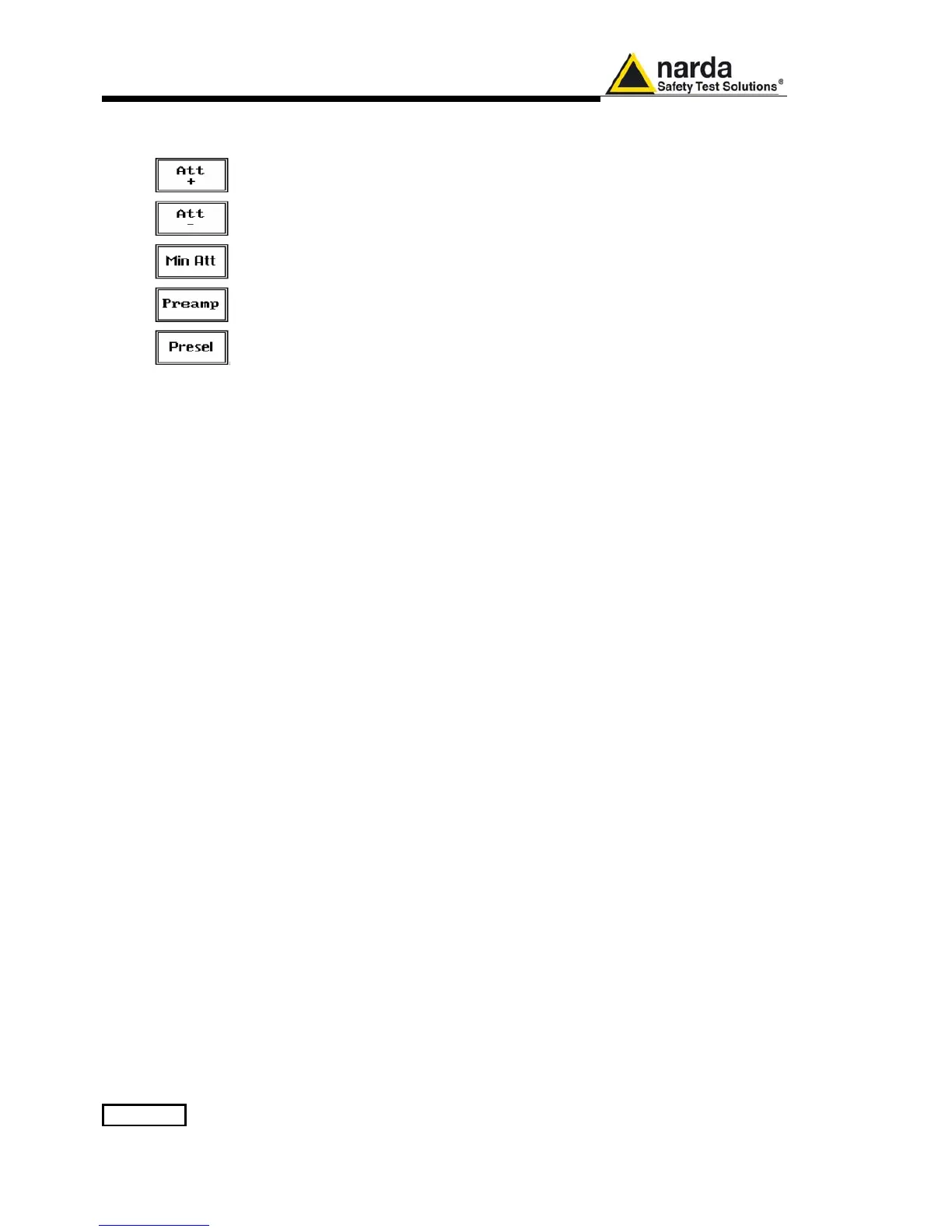
Being entered in the Input submenu, to increase or decrease the attenuation
at the input, press Att + or Att -, and for each touch the attenuation is
increased or decreased by 5 dB (preset value). Depressing one of these
keys force the receiver in manual attenuation selection.
When the input attenuation is 0 dB (condition that can be achieved only if the
Minimum Attenuation is set to 0 dB as well), the yellow led to the left of the
input BNC connector is ON and indicates a warning status, just to advice the
operator about no attenuation at all at RF input.
The Min Att button acts as a toggle switch: it selects the minimum
attenuation between 0, 10 or 20 dB. When the minimum attenuation is
selected, the attenuator – doesn’t matter if in automatic or in manual
condition - cannot be lowered under its value.
Unless specifically required by the test conditions, do not remove the
minimum attenuation of 10 dB.
With the Preamp key it is possible to insert or exclude the built-in low noise
pre-amplification of 10 dB (in the range 30 - 3000 MHz).
The internal 10 dB preamplifier can be used when very weak signals have to
be investigated. As already mentioned in the general features description,
with the preamplifier ON the receiver takes automatically into account the 10
dB compensation in the shown result.
Please note that switching of attenuators provides a low audible noise and
it’s absolutely normal to perceive it distinctly as a “click” at each switch
operation.
The PMM 9010 receiver takes automatically into account the settings of all
the Input parameters and always displays the correct value of the level. The
User is not required to make any correction to the readings.



 To Next Page