APD Mode Operating Instructions 13-15
13.5 Internal generator
Also in APD mode the PMM 9010 internal RF signal generator is available.
To activate the generator it is necessary to go back to the initial 9010 screen
(pressing ESC), then press Setup (fifth function key from the top).
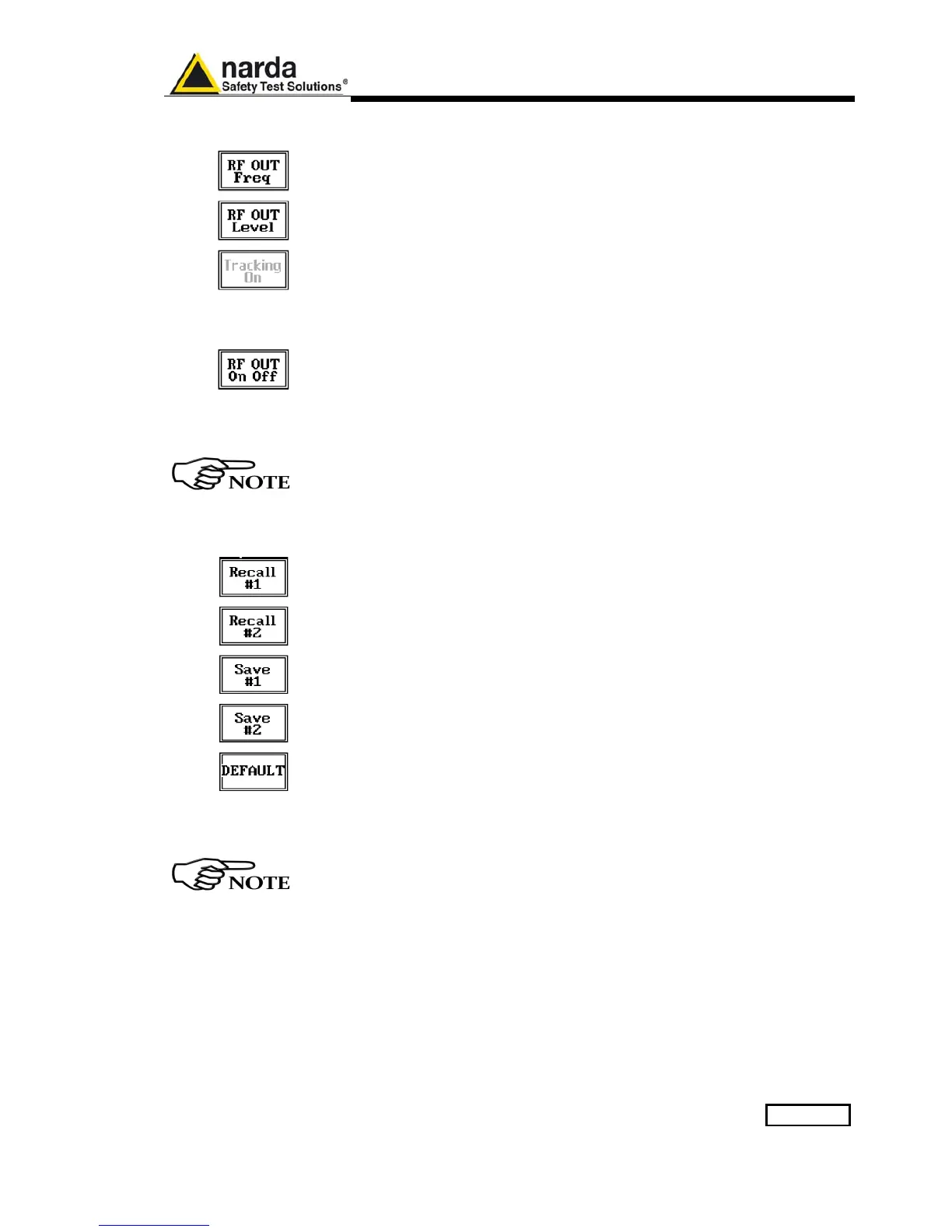
Pressing the RF OUT button the receiver enters the RF Generator menu.
Such generator is an internal, highly stable and accurate, 50 Ohm RF
generator ranging from 10 Hz to 50 MHz.
It is a CW signal source tuned at the frequency set under the RF OUT Freq
window.
As usual, to set a given frequency it is therefore enough to edit the value
with the soft keys and the left and right arrows, confirming the selections
entering the units value (kHz, MHz or GHz).
Pressing 0 as first figure the decimal dot appears automatically.
The output level can be set between 60,0 and 90,0 dBµV with 0,1dB steps
using the RF OUT Level button.
If a higher or lower level is needed, the User shall adopt either an external
amplifier or an external attenuator.
With the PMM 9030/9060/9180 the Tracking On function is not available.
Using APD function, and in general when connecting PMM 9030/9060/9180,
the Tracking generator function is not available.
13.6 Panel Save and
Recall
If the user needs to save a certain configuration for the APD mode, it is
possible to use the PANEL facility.
To enter the Panel function it is necessary to go back to the initial 9010
screen (pressing ESC), then press Setup (fifth function key from the top).
Then pressing the PANEL function key the User has access to the memory
of the receiver and is allowed to store up to 2 different setups that can be
recalled any time.
Pressing Save #1 or Save #2 the actual setup is stored in the internal
memory; with the two Recall buttons the corresponding setup is loaded to
the receiver.
Please remember each time one of the Save buttons is pressed, the stored
set-up is overwritten by the new one: the saved setups are therefore kept
memorized in the receiver until a new set-up is stored in the same memory.
The Default button can be used to load a default standard setup saved into
the memory at the factory.
Turn Off the Internal Generator, when it is not used, even in APD mode.
This prevents interferences and reduces the power consumption of the
9010 unit.



 To Next Page