15-14 9010F Fast
15.2.3 Limit
Each emission standard has one or more limits the User shall comply with.
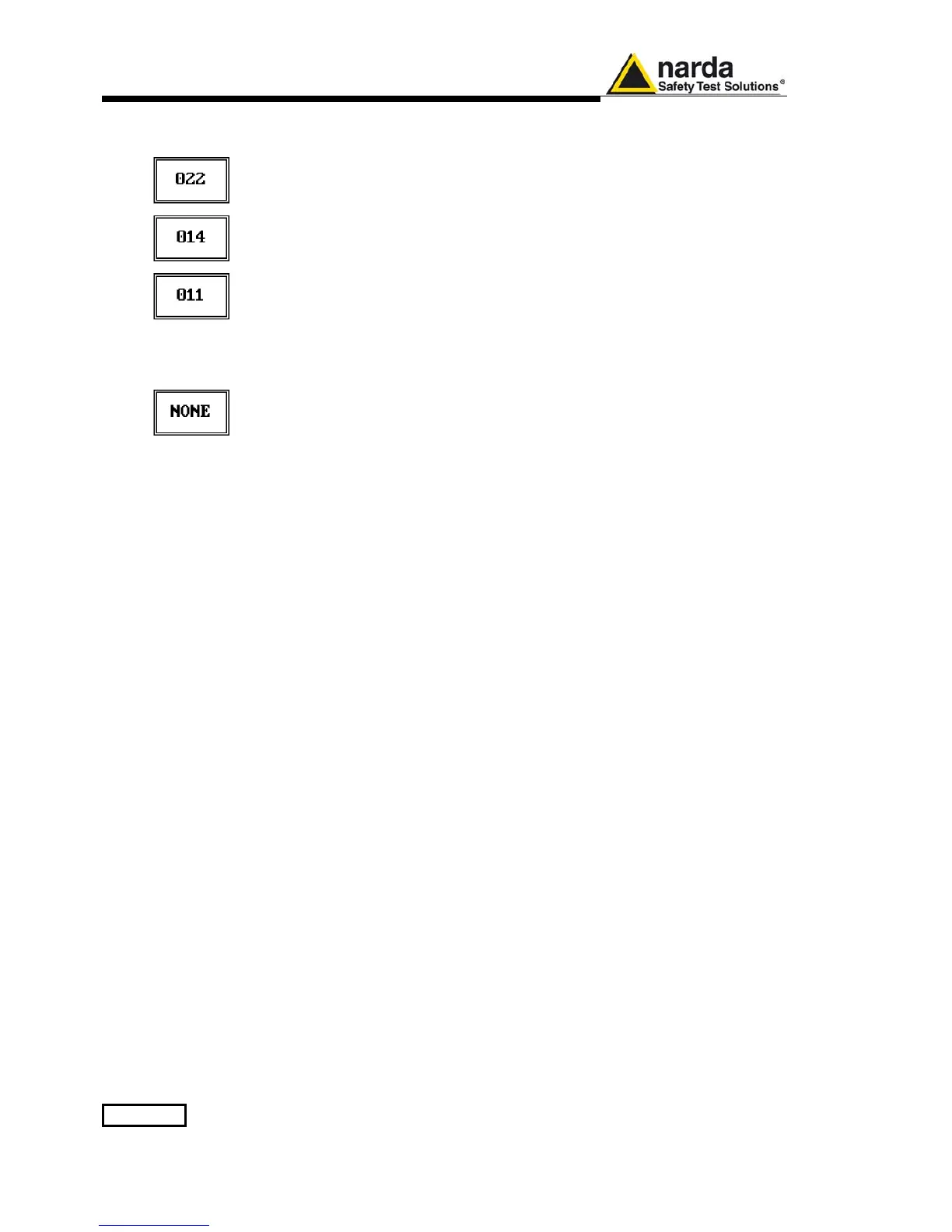
The PMM 9010F receiver has the possibility to load and activate one limit
with a simple push of a button.
The preloaded standard limits refer to the most popular EMC emission
standards: CISPR22, CISPR14 and CISPR11.
Other limits – or any custom designed limit – can be created, managed,
selected and loaded through the PMM 9010F Software Utility running on a
PC (and the test, of course, shall be handled via the PC software).
These additional custom limits cannot be stored in the memory of the PMM
9010F, but only in the one of the PC where the 9010FSW Utility is running.
The limits are shown on the scan display and they appear like a thin black
line when the Smart Detector function is not enabled, while one of them
appears in bold black when the Smart Detector function is active.
By pressing the NONE button all limits are deactivated.
15.2.4 Display
Pressing the Display button it is possible to set two parameters: the
visualized Dynamic range(chosen between 80, 100 and 120dB) and the
Reference Level, that can be increased or reduced by steps of 5dB within
the range +80 dBμV to 135 dBμV (-25 to +30 dBm); see also 4.2.



 To Next Page