Cable Grommets
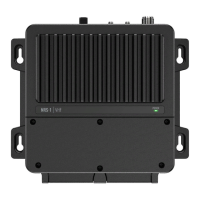
There are two cable sealing rubber grommets at the front of the Blackbox. Wires must pass through the
allocated slot in the grommet (L1-7 and R1-7) as indicated to create an IPx5 seal.
Slots have a thin rubber membrane to ensure unused slots remain sealed.
Press the wire through the allocated slot to break the seal prior to adding the connector.
1
L
4
2 3
5
6
7
1
R
4
2
3
5
6
7
To access the rubber grommets, remove the grommet retainer bracket.
Ensure the grommet retainer and connector cover is replaced once the wiring is completed.
¼ Note: The connectors are color coded to help you with the installation.
| 57
Installation | RS100 / RS100-B / V100 / V100-B User Manual


 To Next Page
 Loading...