MRX920 Overview
2-4 MRX920/MTX950 User’s Manual
USB Port
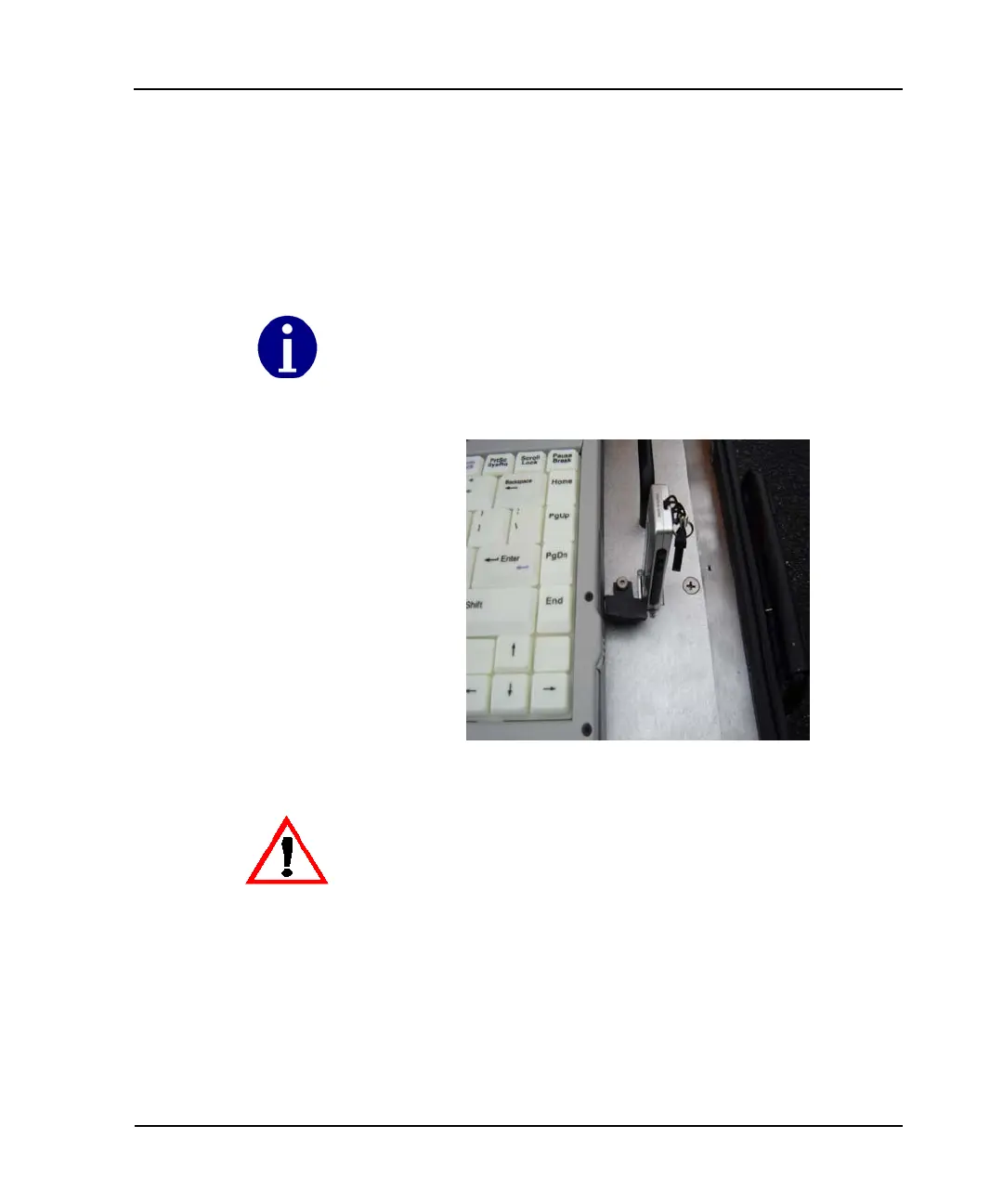
The USB port, shown in Figure 2.3, is located on the top plate of
the MRX920 laptop unit. Another USB port is located on the rear
of the laptop. You can use either slot for meter reading, but do not
use both USB ports at the same time.
Figure 2.3 USB Port for USB Flash Drive
Neptune recommends that you use only the USB port located on the top plate of the
MRX920 laptop for meter reading.
The MRX920 unit requires that you use only one USB port for the USB flash drive.



 To Next Page