Appendix C Troubleshooting
MRX920/MTX950 User’s Manual C-5
• Software Version—identification of the version number of
the software
• Temperature—notifies the user whether or not the tem-
perature of the unit is okay for operation.
3 To exit the software System Check screen, select another
screen from the tabs.
Importing Route Data
If No Route Data File is Found
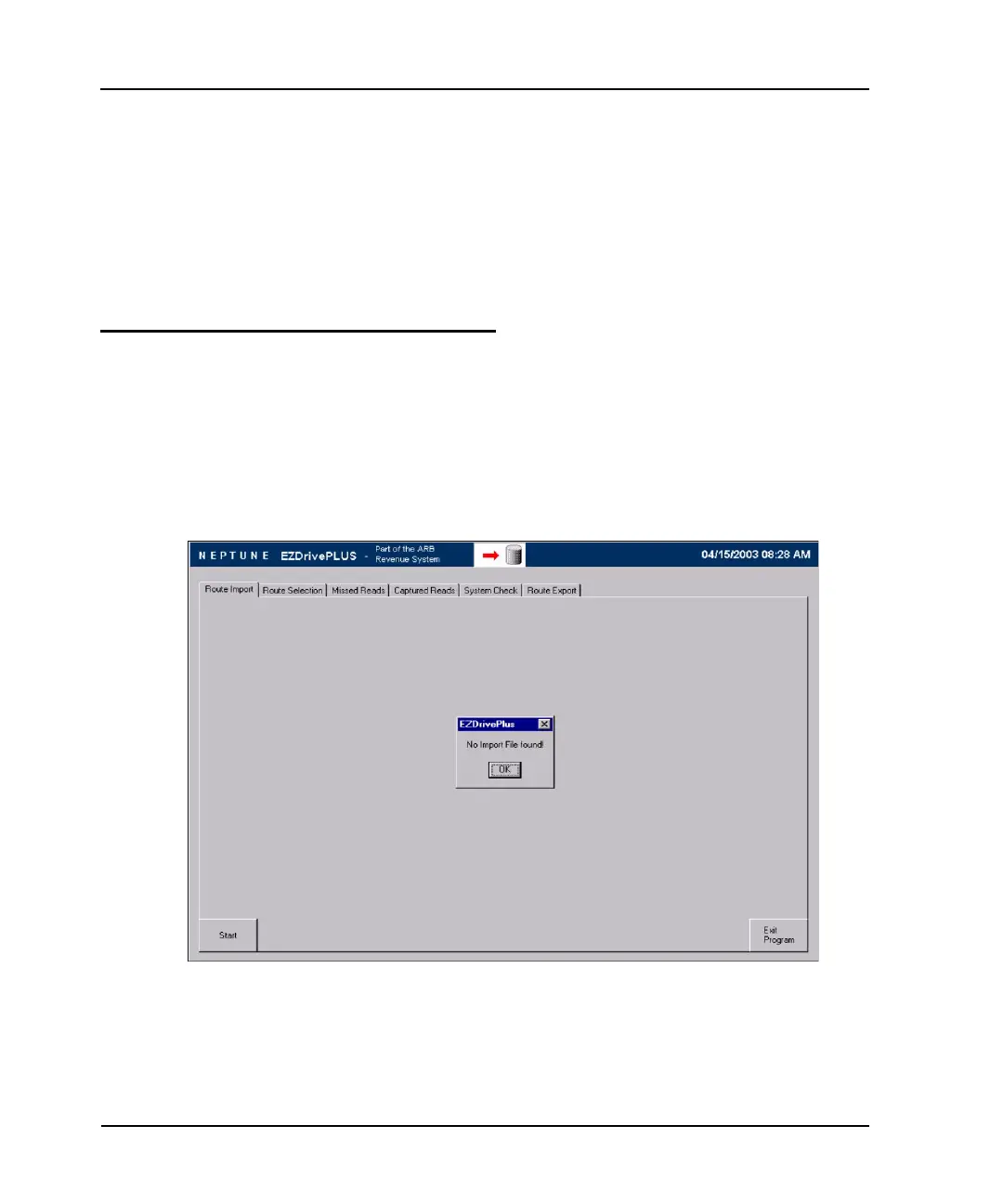
If the USB flash drive is not inserted in the USB port when the
software is started, the following screen appears with a warning
message indicating that an import file was not found (see Figure
C.1).
Figure A.1 Error Message on Start Up



 To Next Page