Appendix B: Keyboard
MRX920/MTX950 User’s Manual B-5
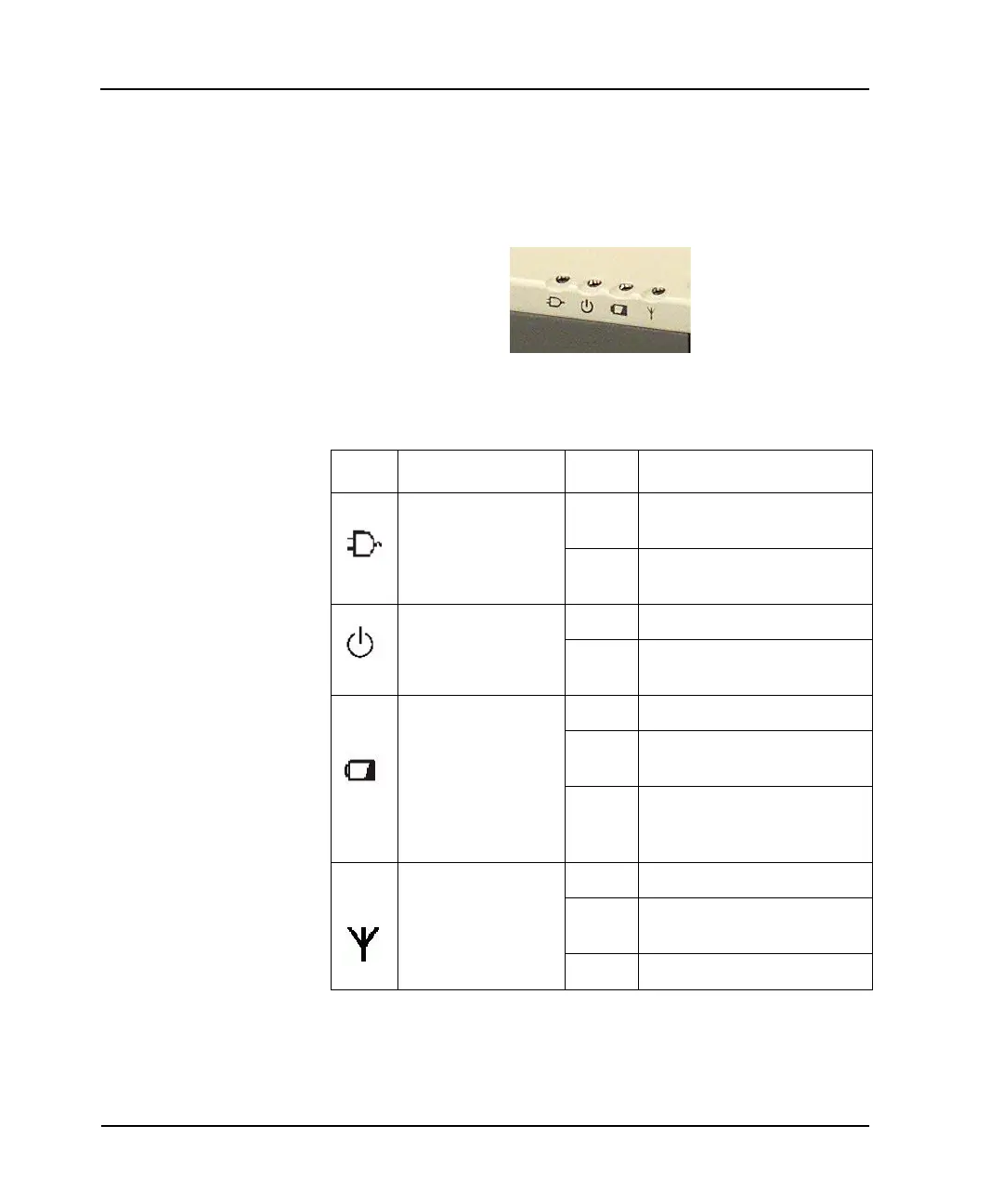
LED Power / Wireless Modem Indicators
The case front LEDs indicate external power, unit ON/OFF,
battery status, and wireless modem ON/OFF. The indicators
remain active and viewable even when the LCD panel is closed.
Figure B.9 LED Power Indicators
Table B.2 LED Power Indicators
Icon Function LED Description
External Power
Green External power is connected to the
unit.
LED Off External power is not connected to
the unit.
Power
Green Power is ON
Flashing
Green
Low Battery
Battery
Green Battery charging
Flashing
Green
The hard disk drive is being
accessed
LED Off No battery or battery fully charged
(always OFF without external
power connected to the unit)
Wireless Modem
Green Wireless modem is ON
Flashing
Green
Message waiting
LED Off Wireless modem is OFF



 To Next Page