Setting Up the MRX920 Unit
MRX920/MTX950 User’s Manual 3-5
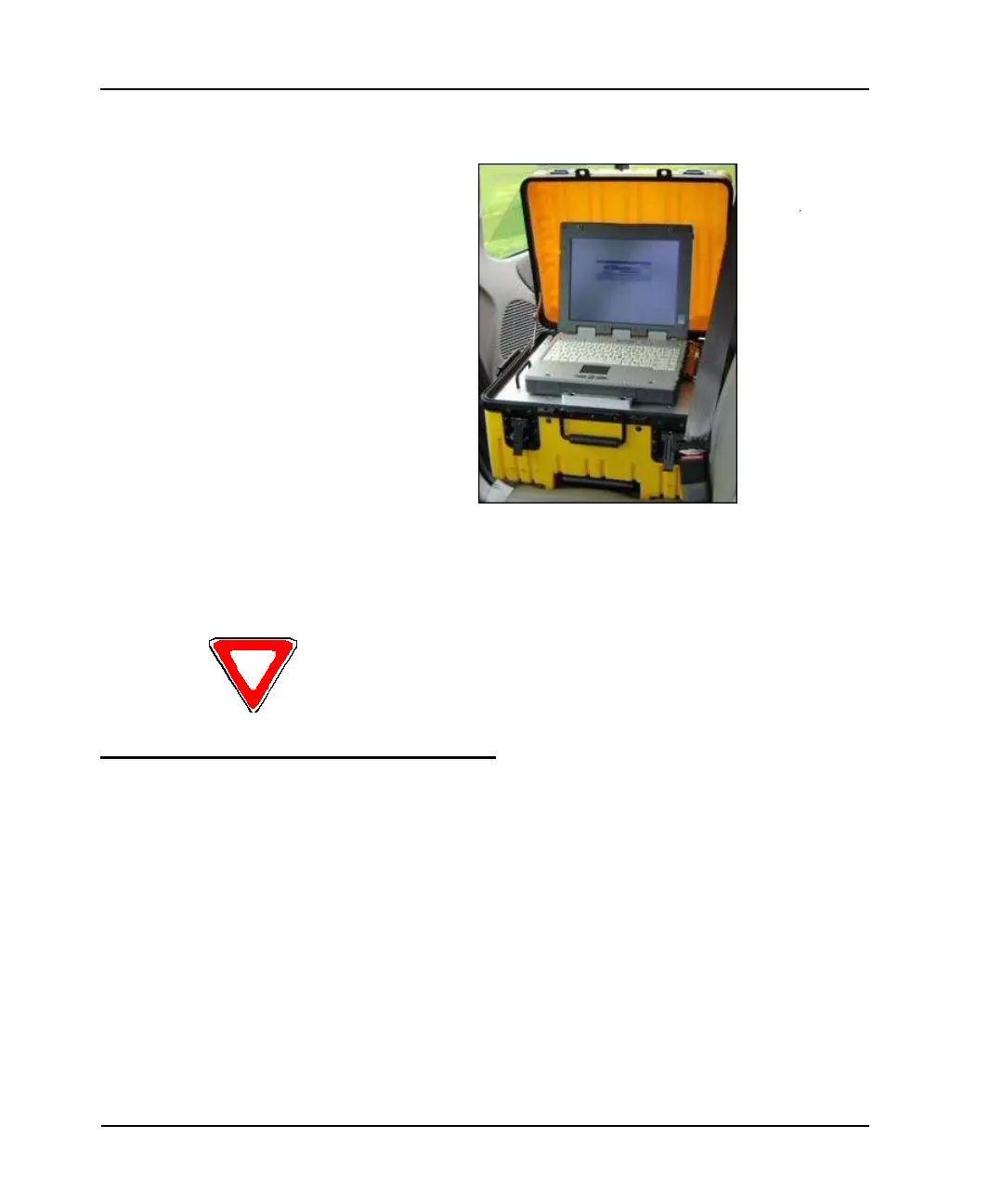
Figure 3.5 Opening the Cover
4 To further secure the unit, slide it against the back of the seat
(see Figure 3.5).
Plugging in the Power Cable
Follow this procedure to connect the vehicle power supply power
cable to the MRX920 unit and plug it into the vehicle power supply
receptacle.
1 Start the vehicle.
If the unit interferes with your vision for the passenger window, rest the cover on top
of the laptop display to ensure maximum visibility.



 To Next Page