Setting Up the MRX920 Unit
3-10 MRX920/MTX950 User’s Manual
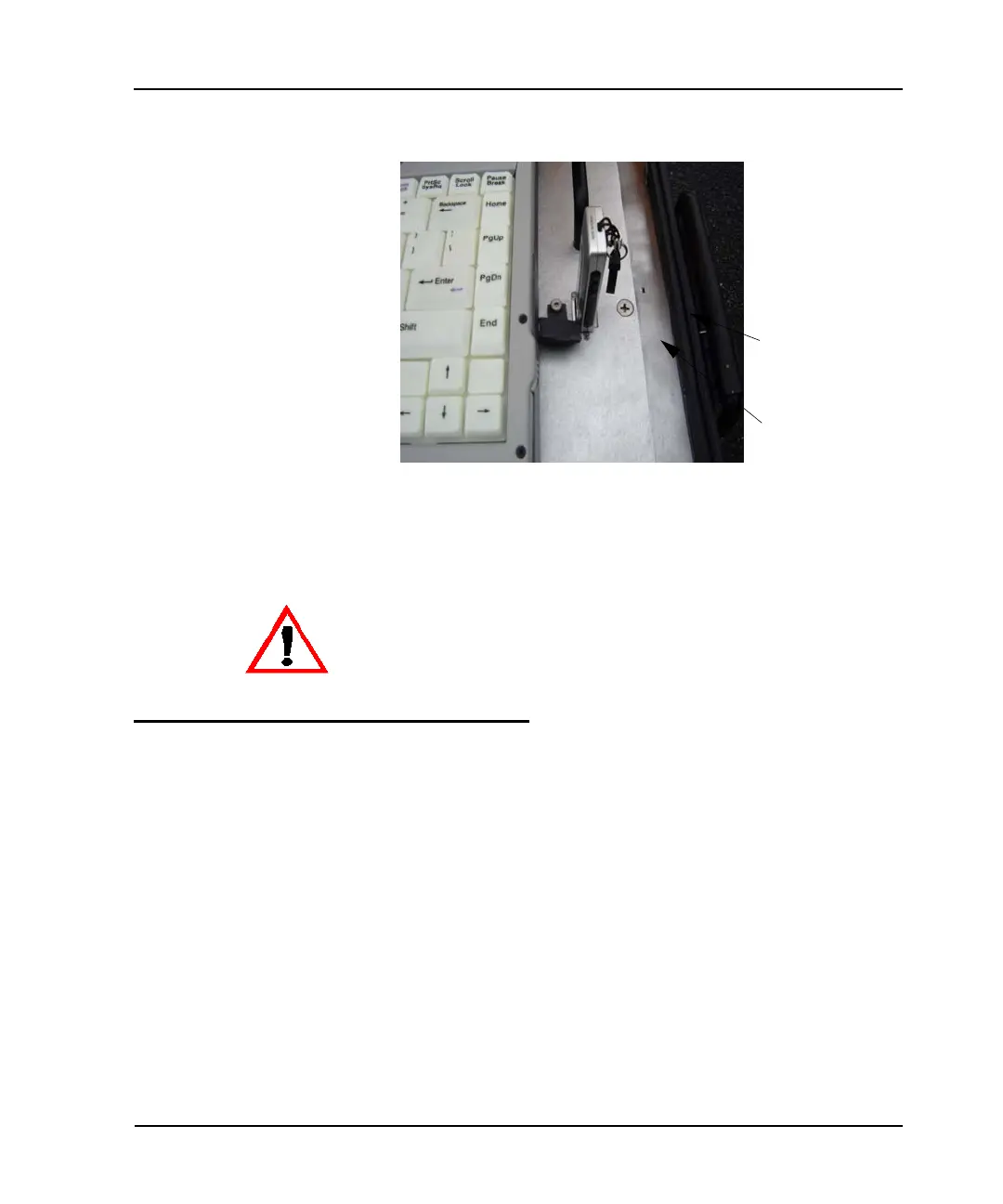
Figure 3.10 USB Port and Drive
3 Insert the USB flash drive into the port on the top plate of the
MRX920 unit.
Turning the Unit On
Follow this procedure to turn on the MRX920 laptop and start the
MTX950 software.
1 With the laptop computer facing you, open the display.
2 Raise the display to a comfortable viewing position with the
keyboard accessible to you.
USB Port
USB Flash Drive
Be careful not to force the USB flash drive into the slot. Forcing can causes
damage to the drive or to the metered data contained on the drive. If the drive
does not insert easily, rotate it 180
o
, and try to insert it again.



 To Next Page