Using the MRX920 Unit
MRX920/MTX950 User’s Manual 4-5
Selecting Routes
This is an optional step if you want to review selected routes to
determine a good starting point for reading.
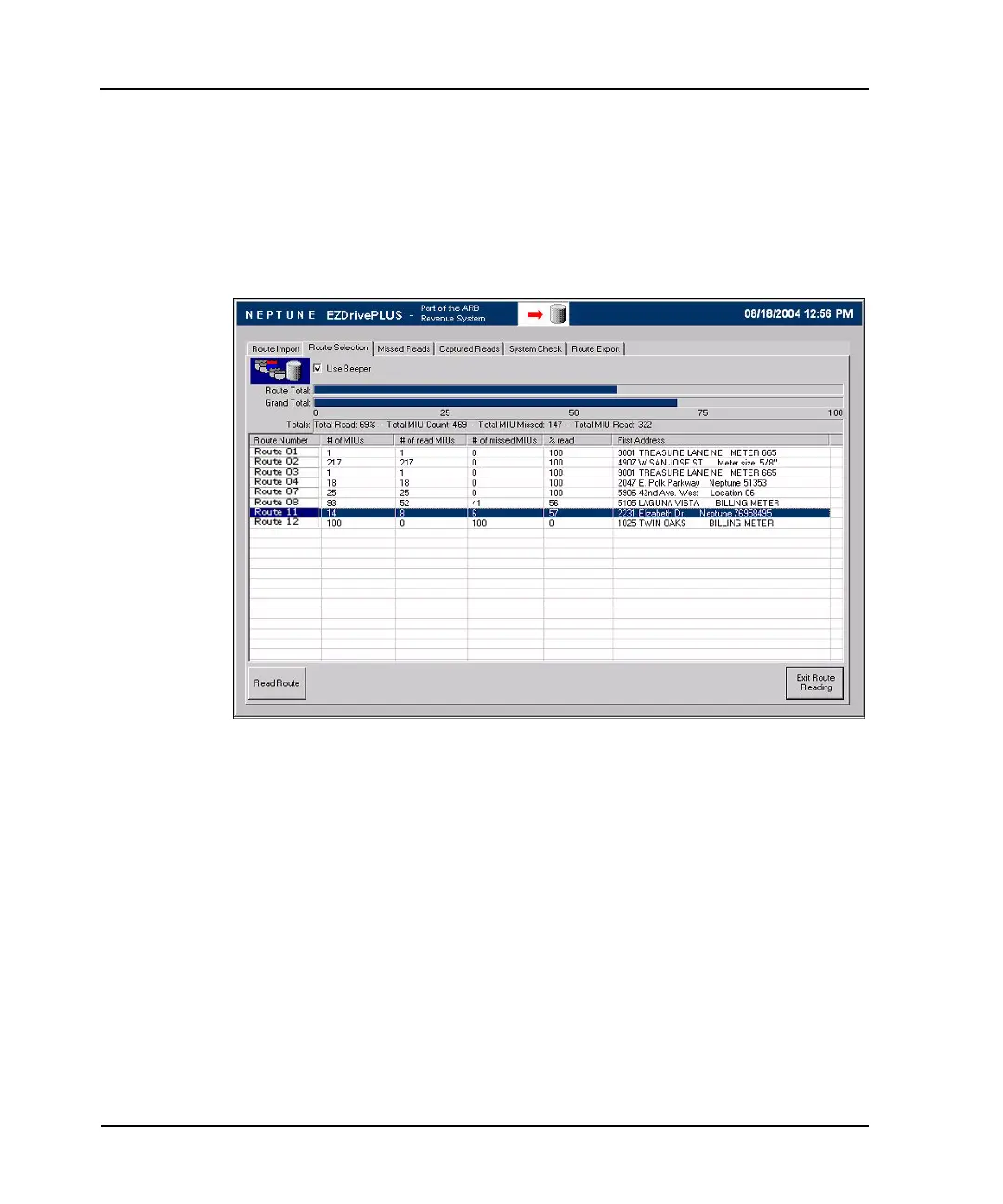
1 Access the Route Selection screen, shown in Figure 4.3, by
pressing the Route Selection tab.
Figure 4.3 Route Selection Screen
2 Highlight the route to be viewed.
3 Select the Missed Reads tab to display the Missed Reads
screen.
All accounts that are unread or missed during the reading
process are displayed on the Missed Reads screen as shown
in Figure 4.4.



 To Next Page