Appendix C Troubleshooting
MRX920/MTX950 User’s Manual C-3
Performing Diagnostics
The software performs diagnostics when you access the System
Check screen. This allows you to check the status of the system
components.
Displaying the Software Self Diagnostics
Follow this procedure to display the software System Check
screen.
1 Press the Start button from the software Welcome
screen.
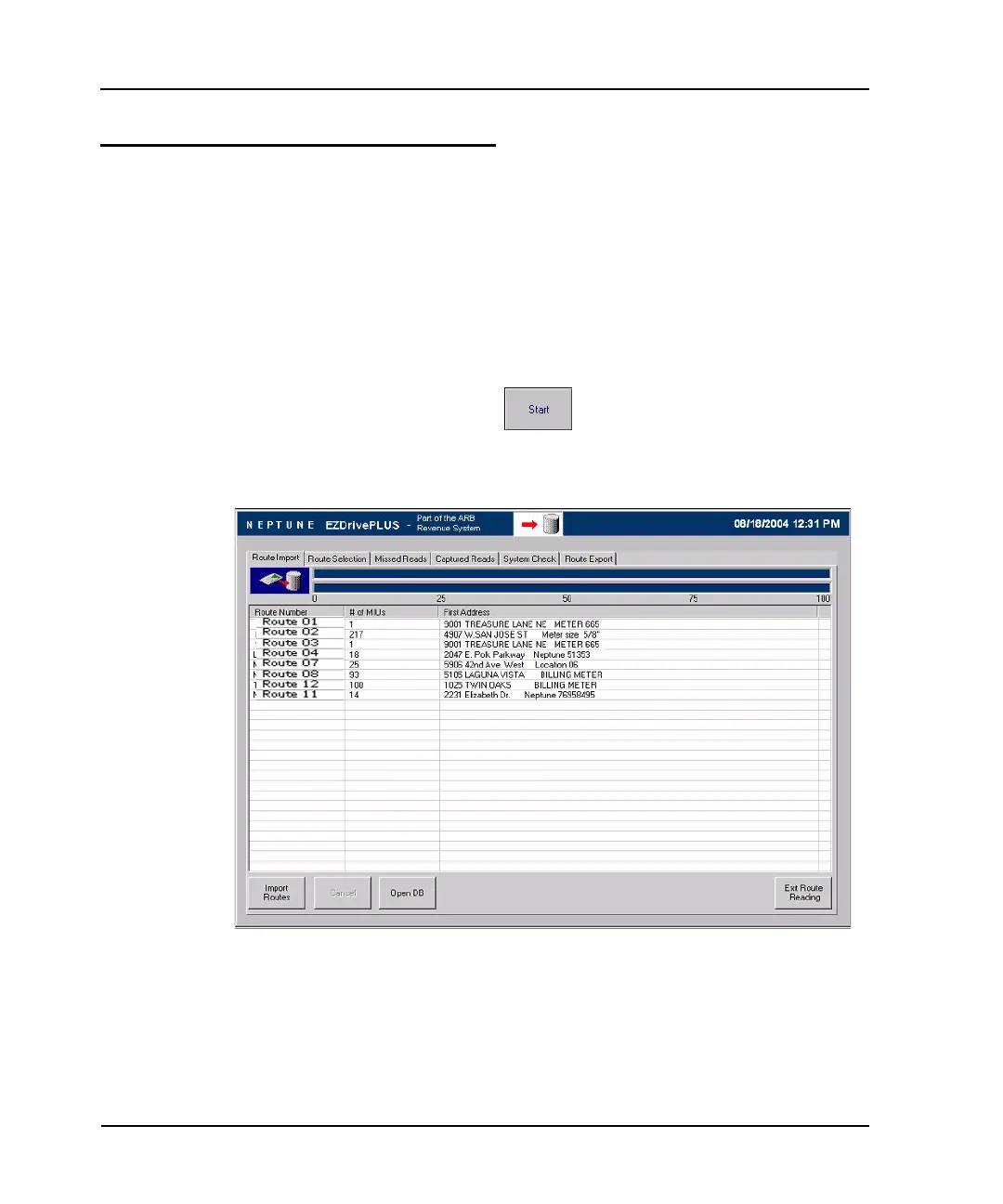
The Route Import screen (Figure C.1) appears.
Figure A.1 Route Import Screen



 To Next Page